Features for everyone on your field team
Badger Maps is mobile first mapping software made for field reps and the field teams that support them.
Routing
Get the fastest route, and then execute it with ease and efficiency.
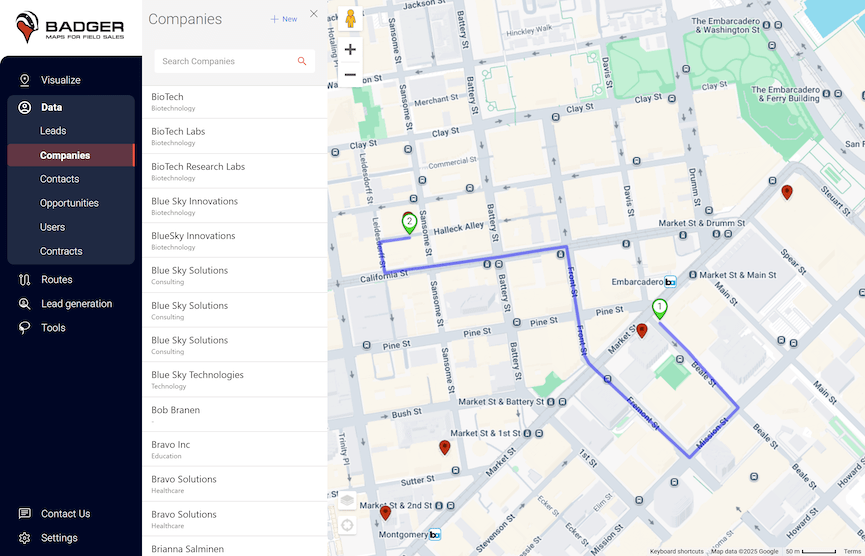
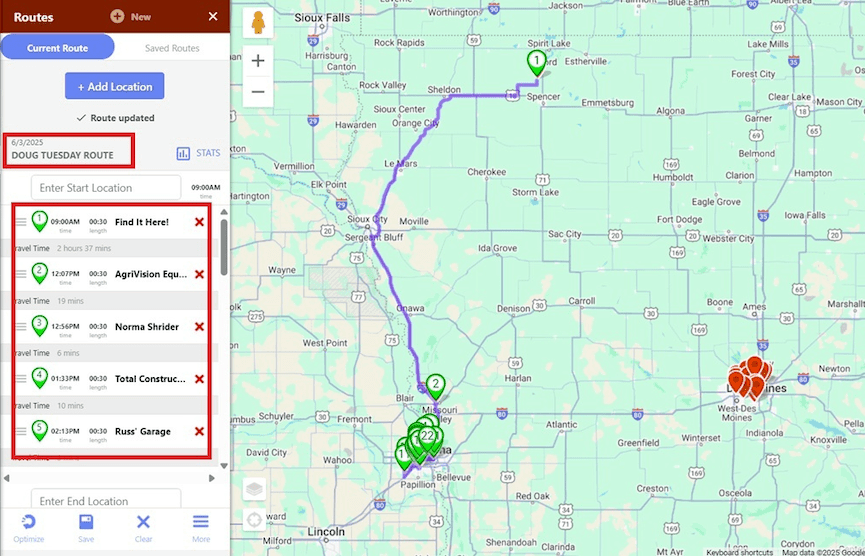
Route planning
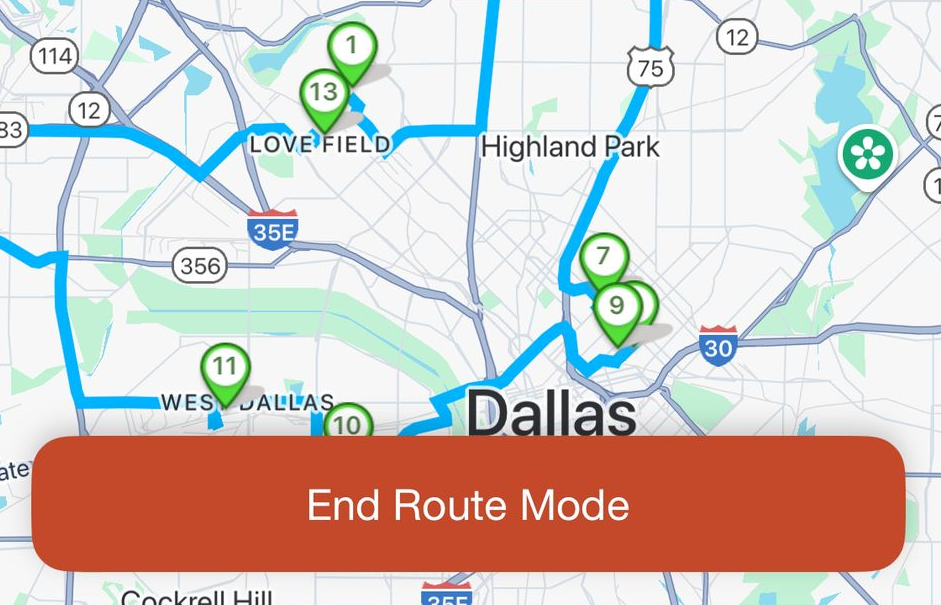
Decide where to invest your time when you're in the field. Pick the points on your map to visit.
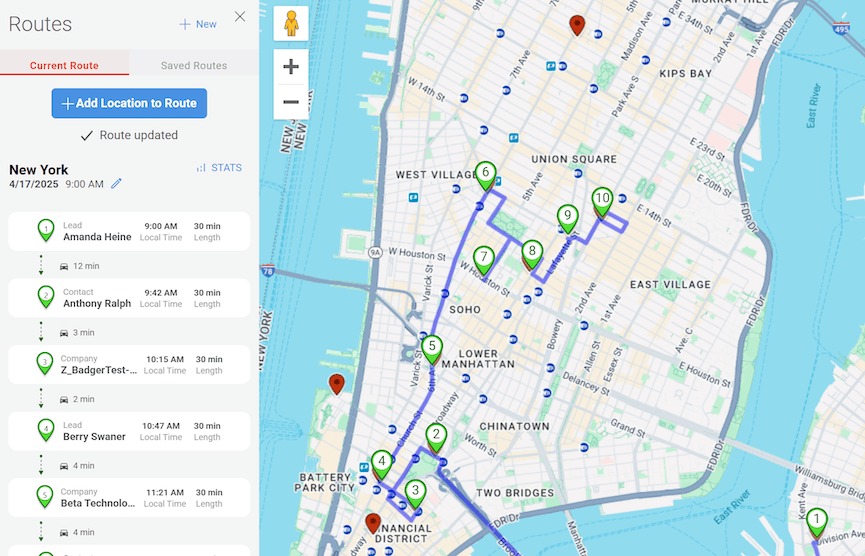
Route optimization
Badger will reorganize the points on your map to create the fastest routes with up to 120 stops.
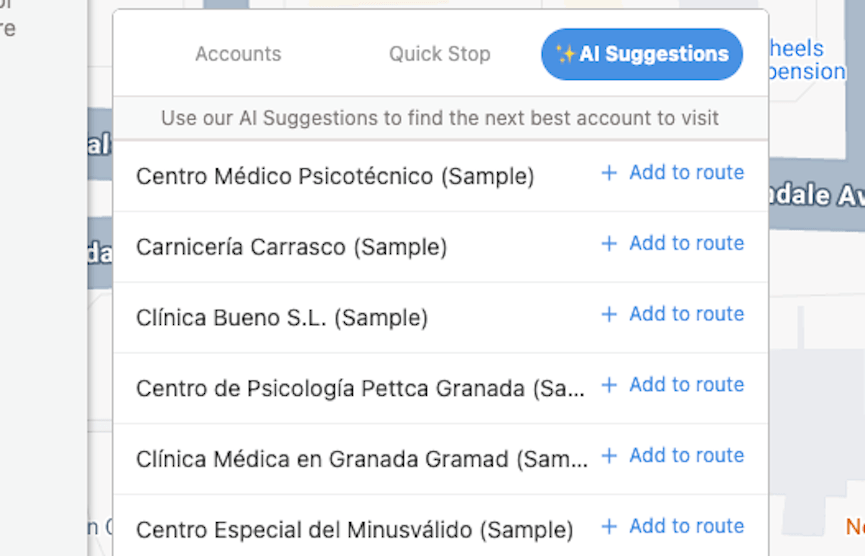
AI Suggestions
Get suggestions of whom to visit near your route.
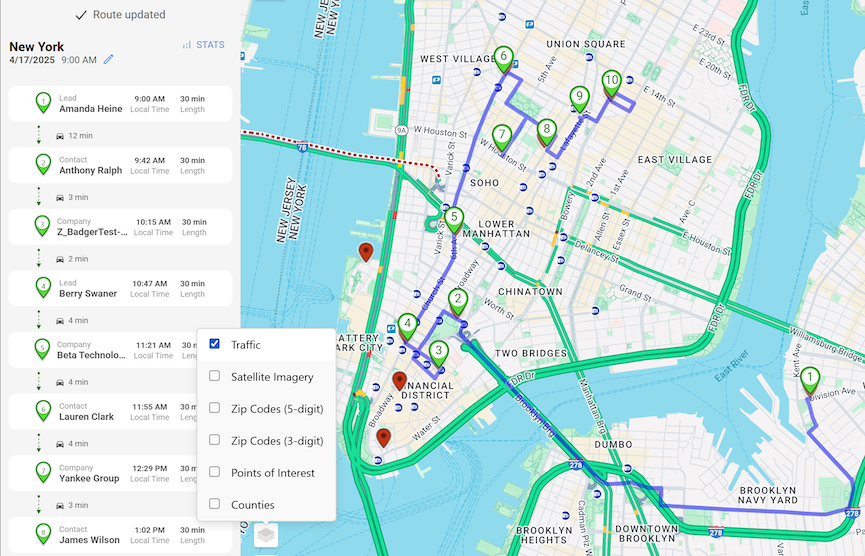
Traffic data
See traffic in the Badger Maps app as you plan your route or navigate your territory in real time.
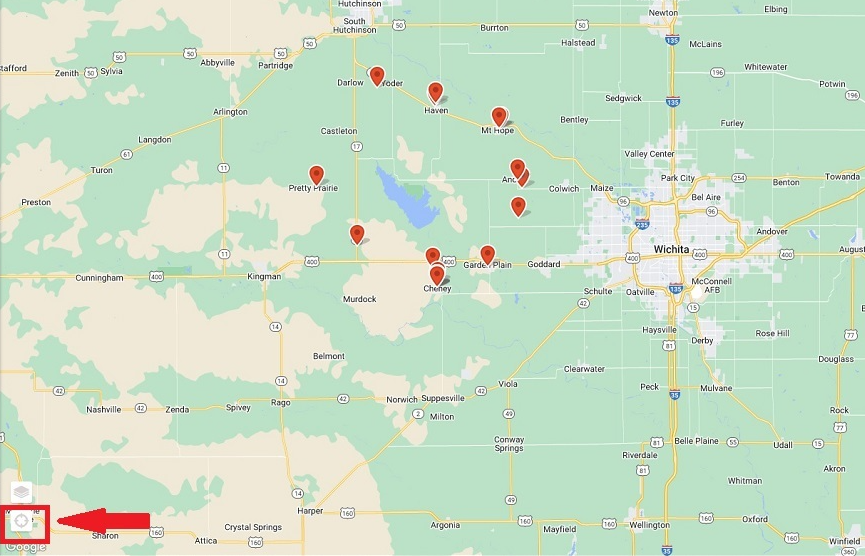
Locate me
Locate & center yourself on the map relative to your pins.
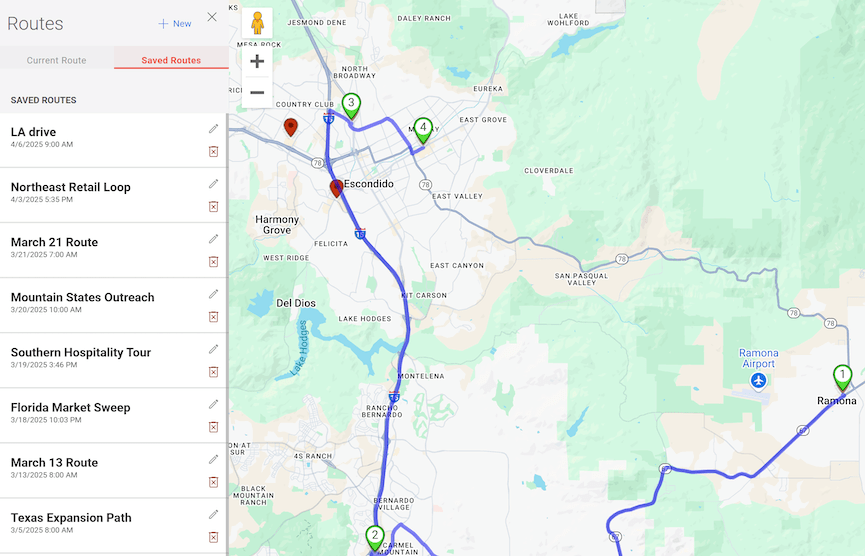
Save routes
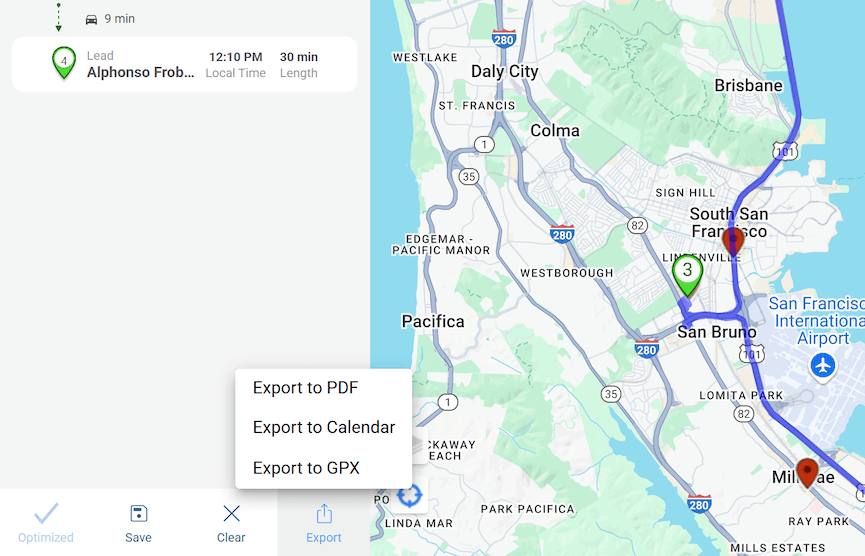
Plan your day in advance, or save routes to visit on a recurring basis.
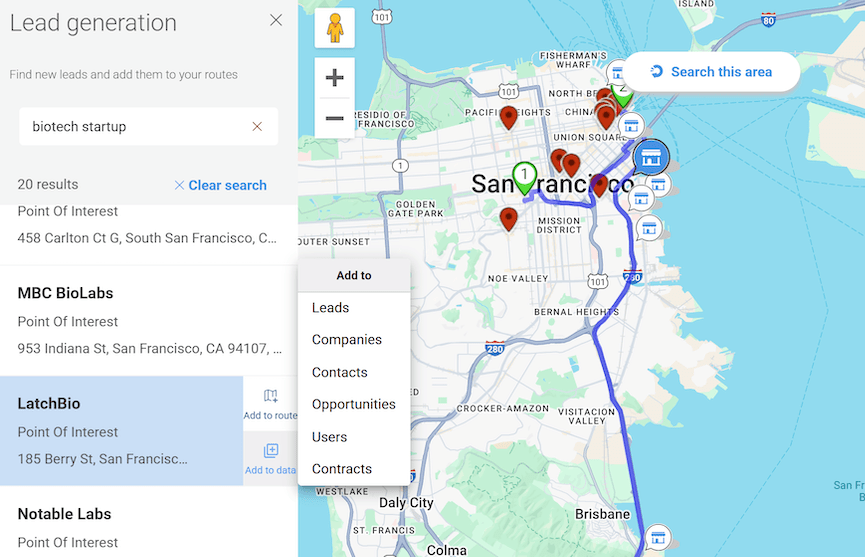
Save places
Save important places and include them in your route, like your hotel, restaurants, or coffee shops.
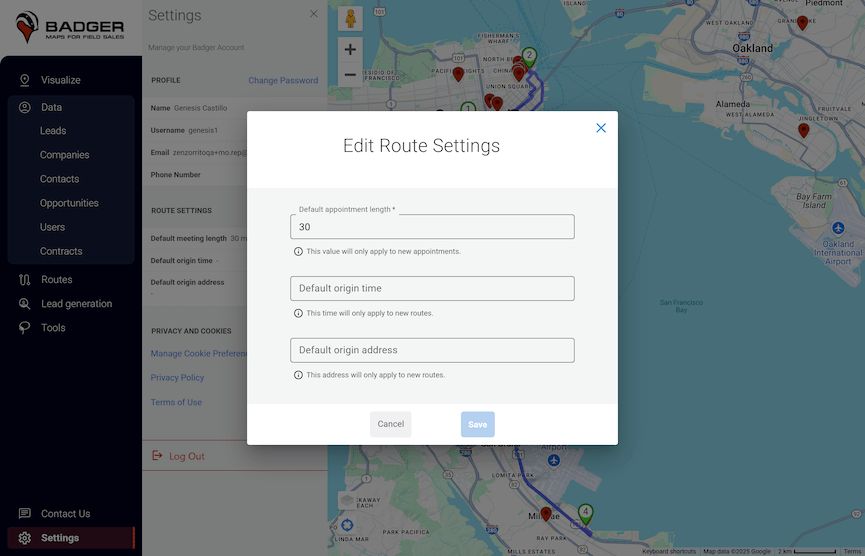
Default start & end locations
Set defaults for where you start and end your day.
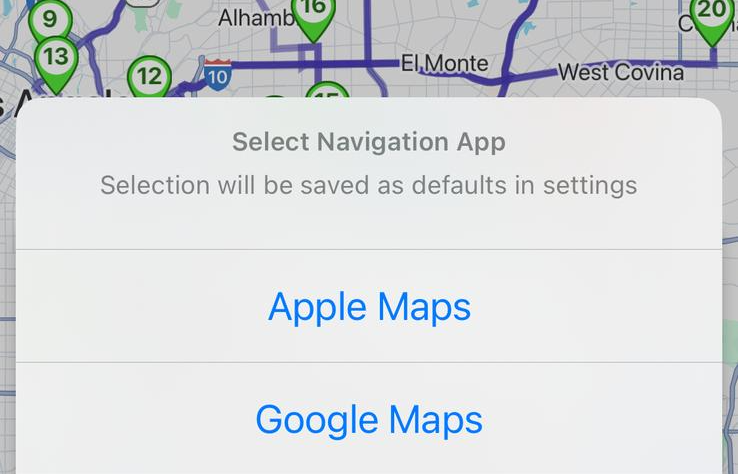
Navigation app integrations
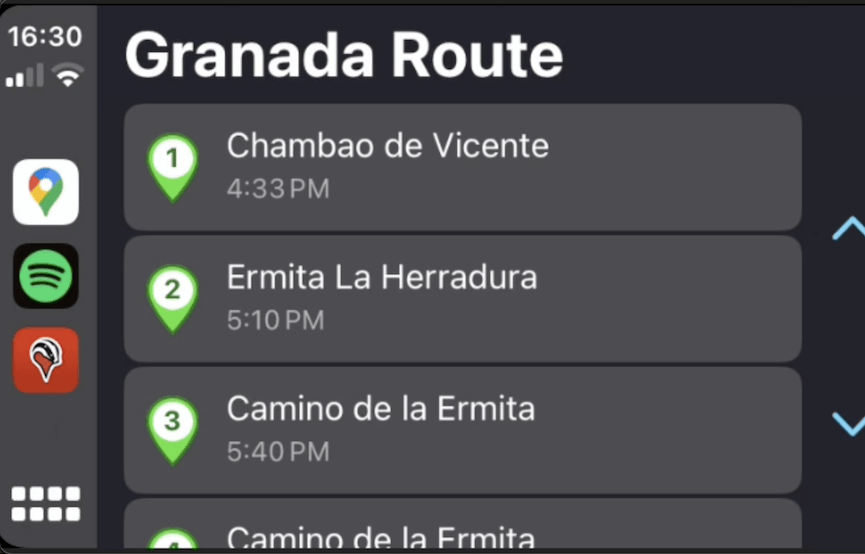
Get turn by turn directions from apps like Google Maps, Waze, and Apple Maps. Set your preferred app as a default.
Sales Mapping
Turn your customer data into an actionable map, and build routes around priority accounts.
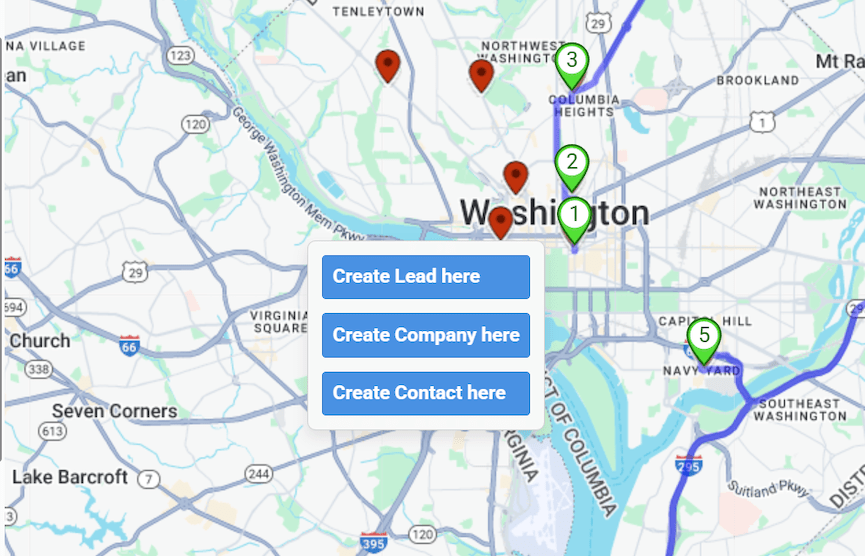
Drop a pin
Drop a pin to create a new account or other record type.
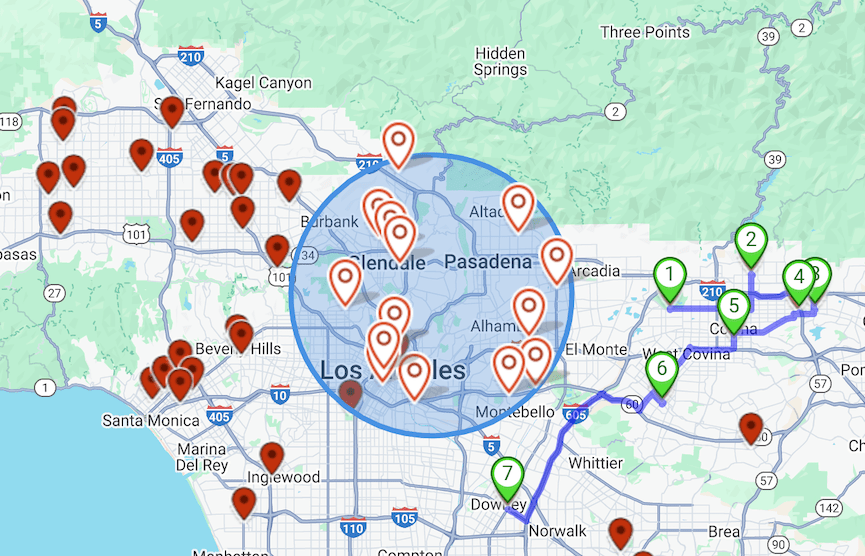
Create a radius
Set a radius around a point to see all records within a given area.
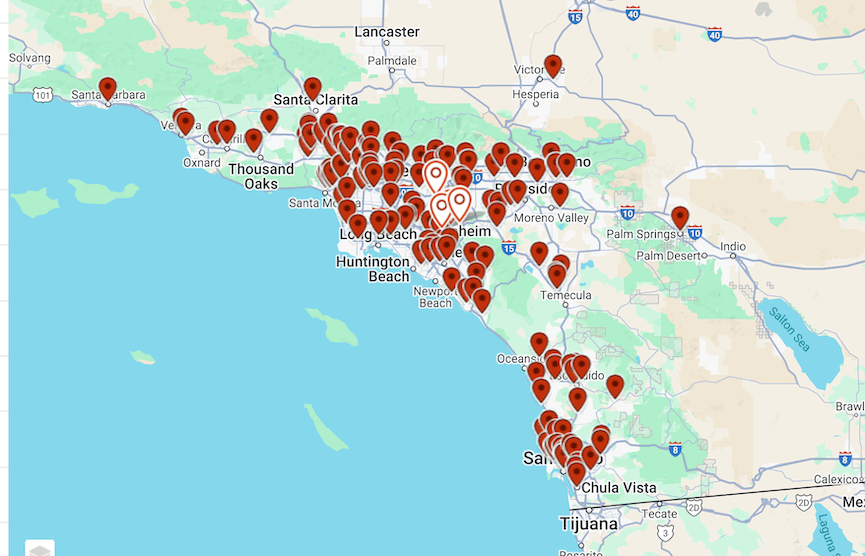
Point Clustering
Automatically group nearby pins on the map at different zoom levels to reduce visual clutter and focus on key areas of interest.
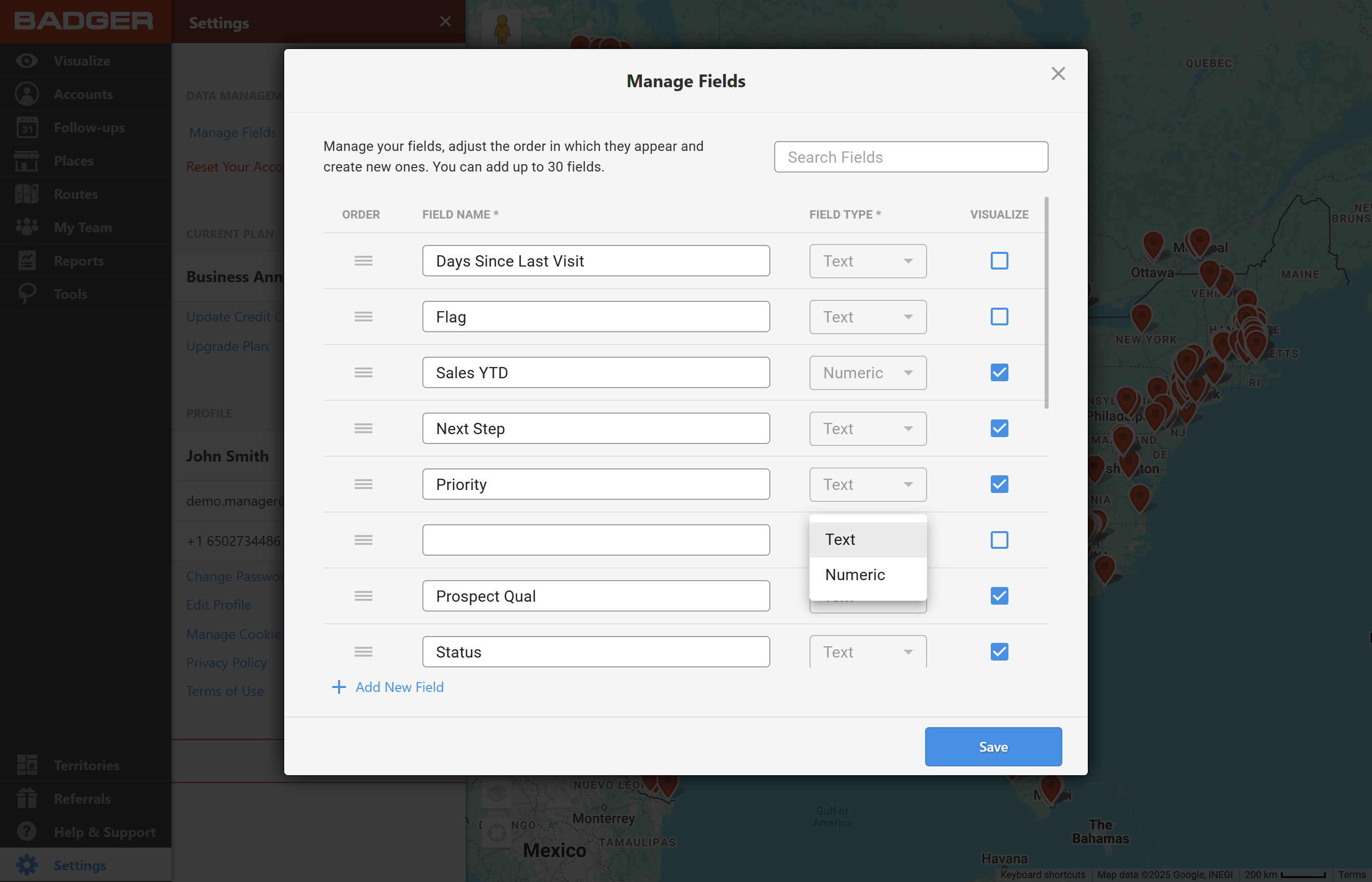
Create custom fields
Use any data field you want to segment your customer data including business type, product lines, last order date, sales stage, and more.
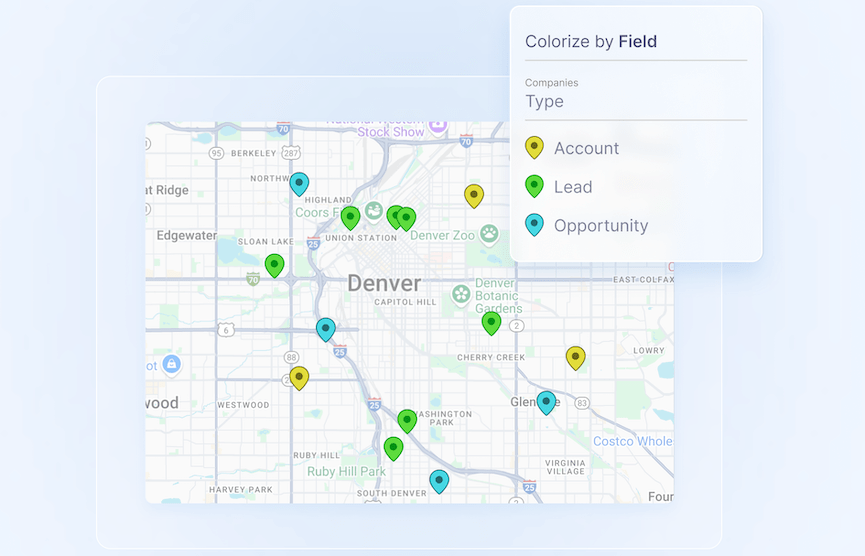
Map your customers
Always see who's in close proximity to your route. Never forget Never drive by an account on the road.
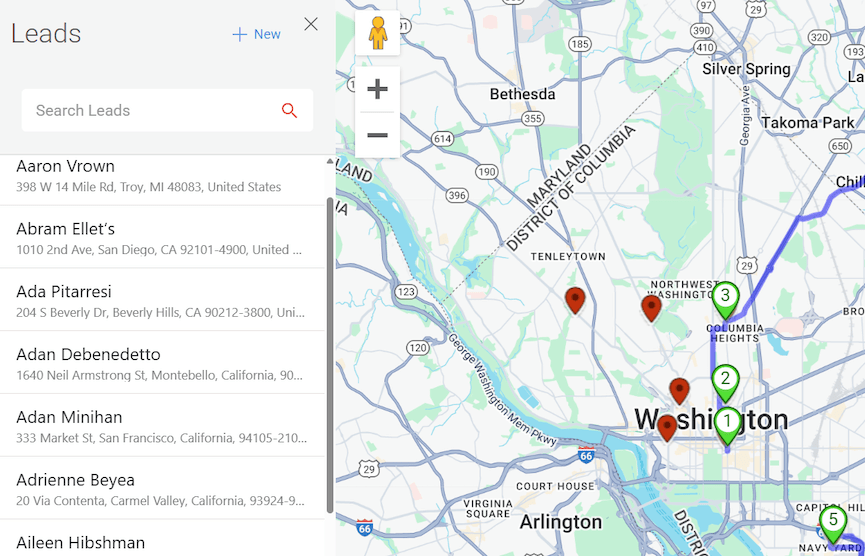
Fix & geocode your addresses
Autocorrect errors in your addresses and fill in missing zip codes or postal codes.
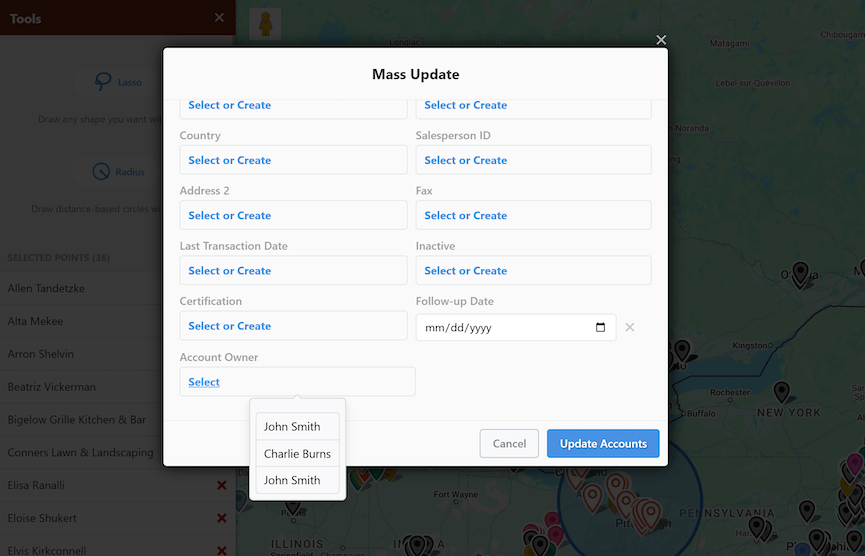
Mass update your customer data
Easily edit & update fields across multiple accounts, within a certain geography.
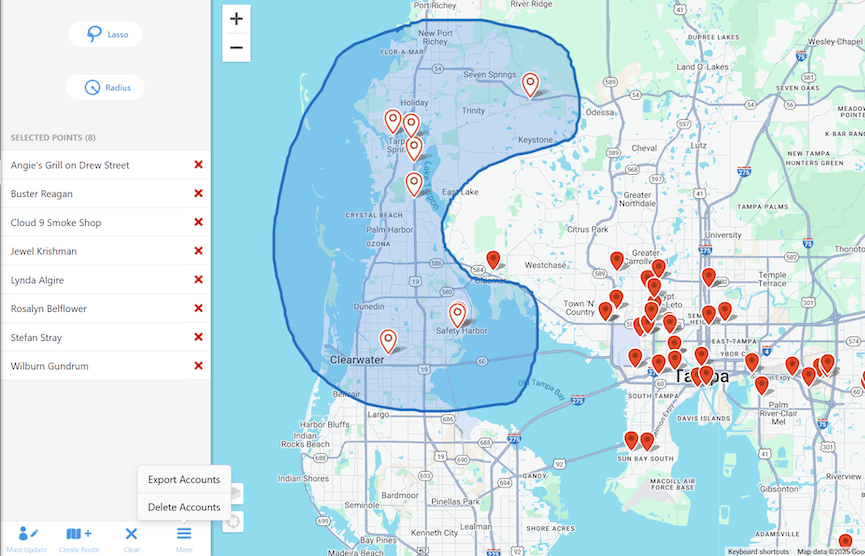
Bulk import, export, or delete data
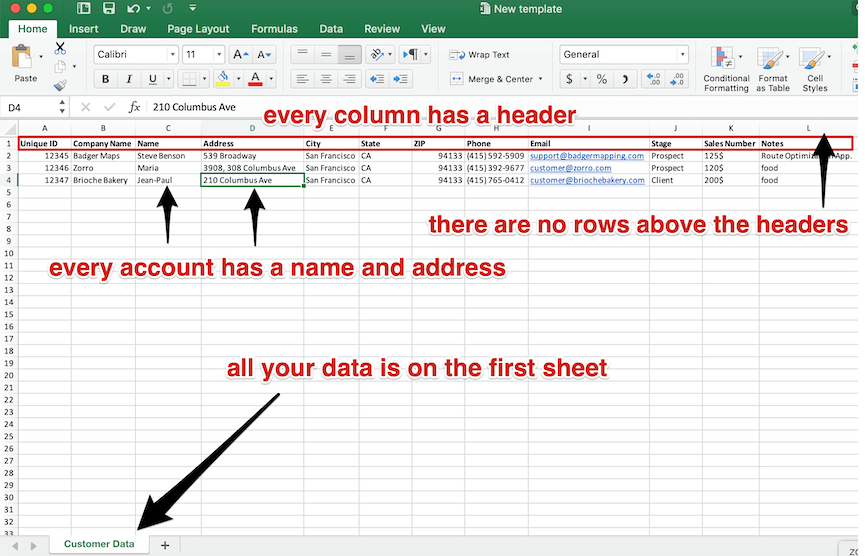
Authorized users can manage data and export data as a CSV.
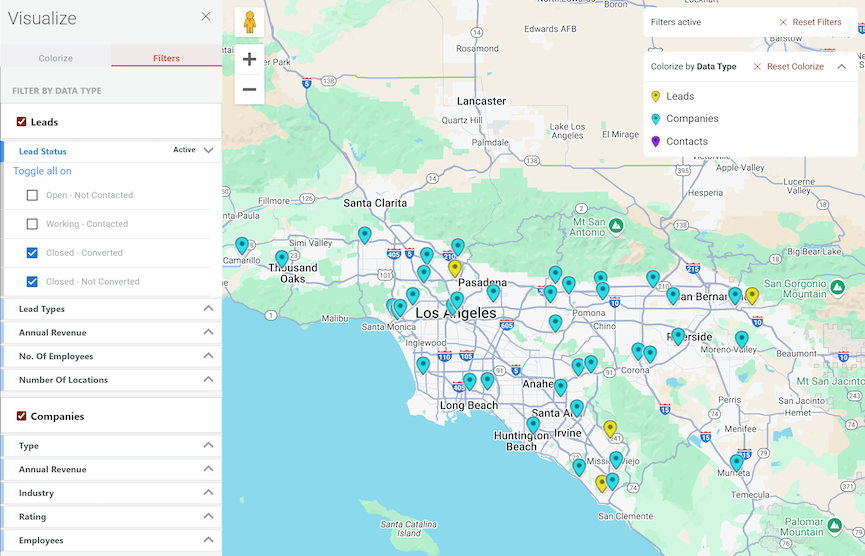
Filter the accounts on your map
Filter the customers on your map according to business type, follow-up status, revenue, or any other data field that’s important to you.
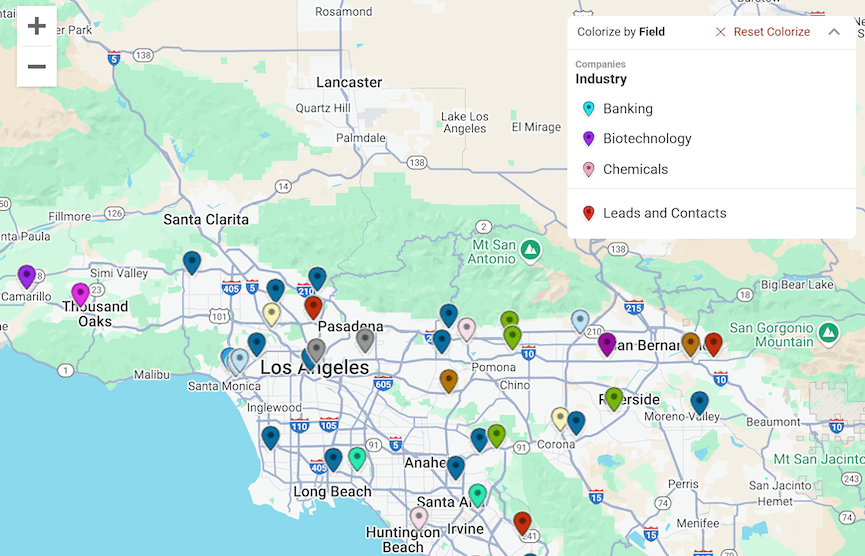
Colorize the accounts on your map
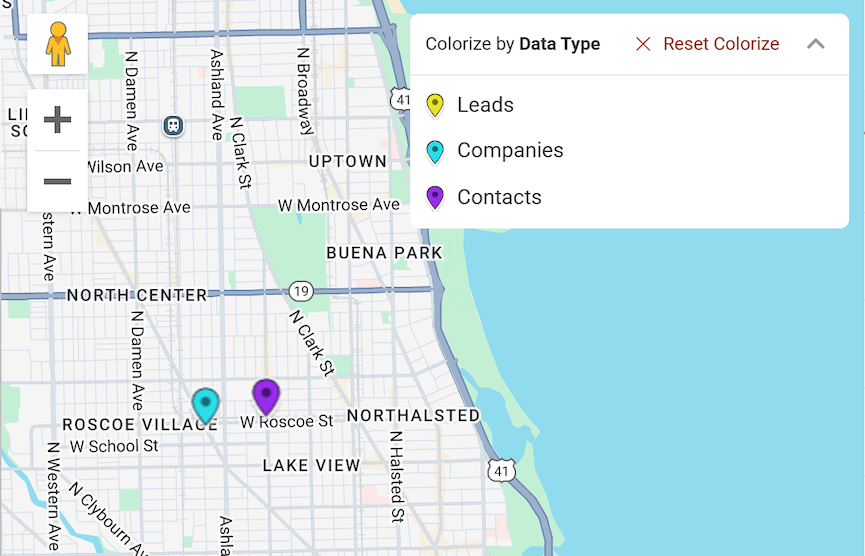
Colorize accounts according to custom data fields, like next steps, last order date, and more, to make key accounts stand out as you build your route.
Use the lasso tool
Easily add the accounts you want to visit to your route, or quickly select accounts in a certain geographic area for a mass update.
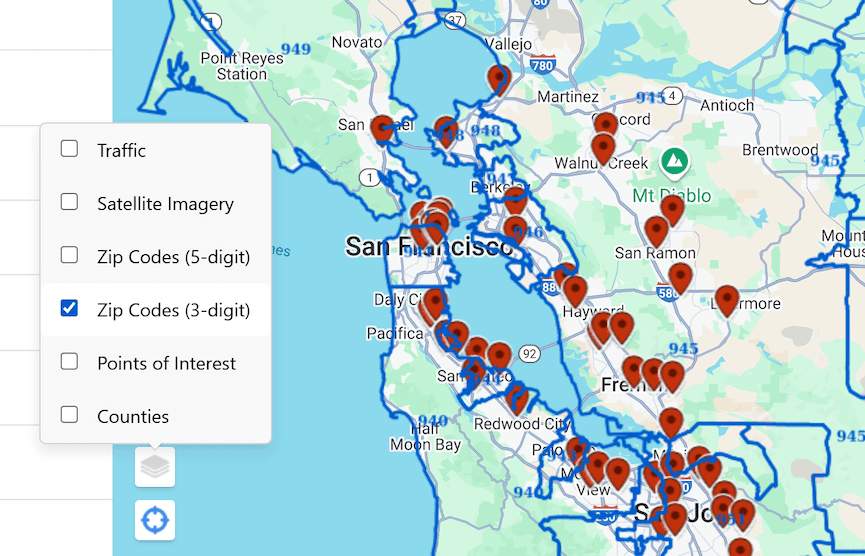
View map layers
Overlay satellite imagery on your map including, 5-digit zip codes, 3-digit zip codes, postal codes, points of interest, and counties.
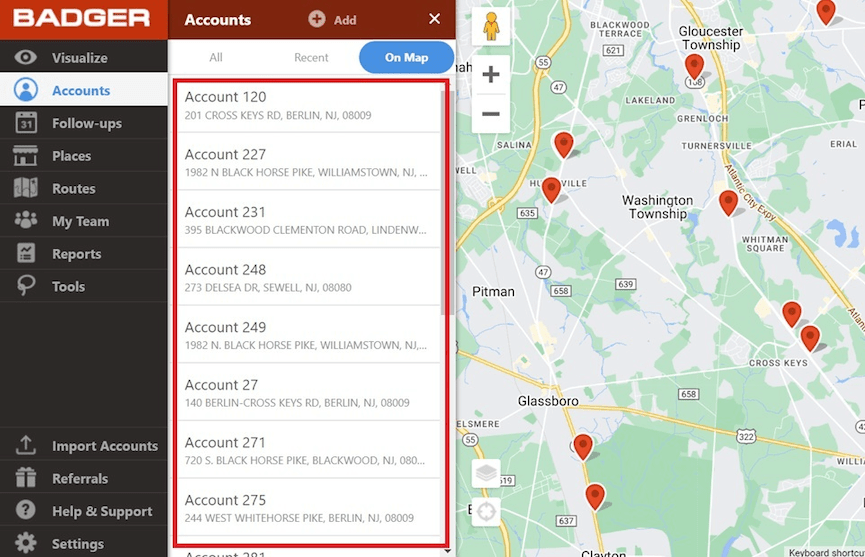
Planning & Scheduling
Maximize your time, while making sure you call on the right accounts.
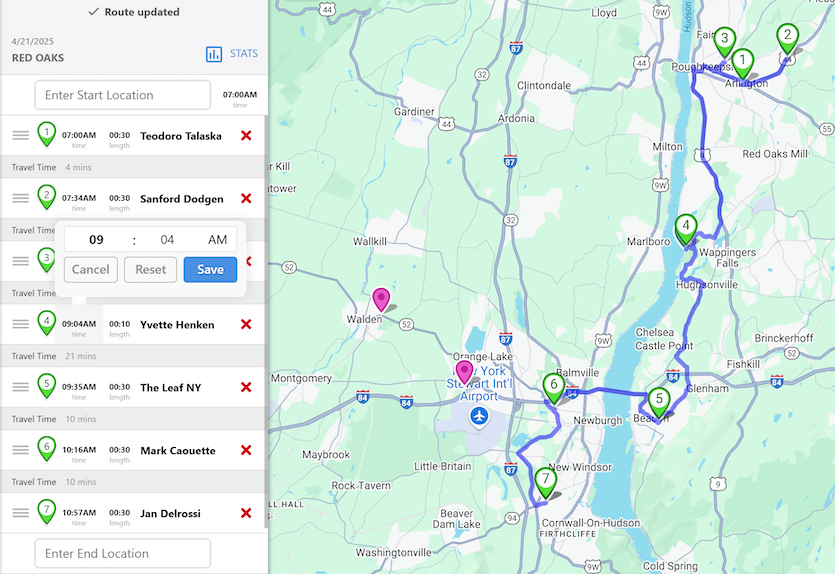
Set appointment times
Edit the stops on your route to start at a specific time.
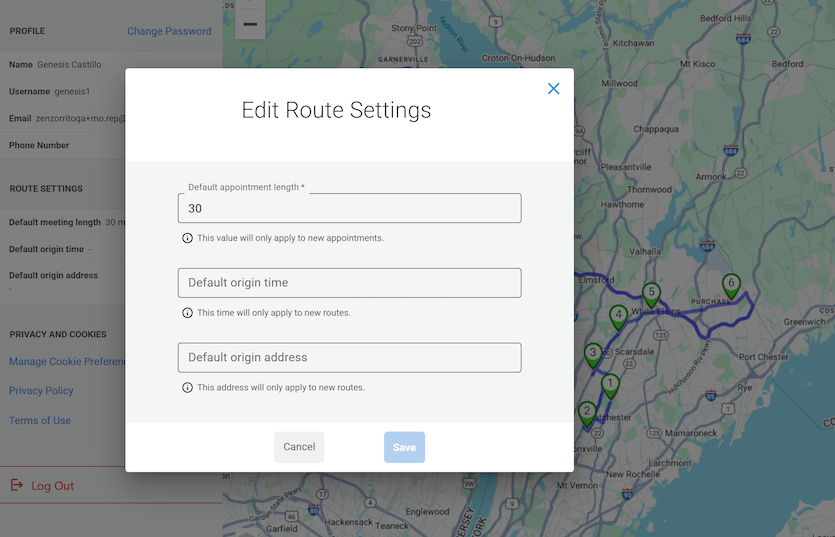
Set & manage appointment length
Set default appointment length or customize the length of an individual meeting.
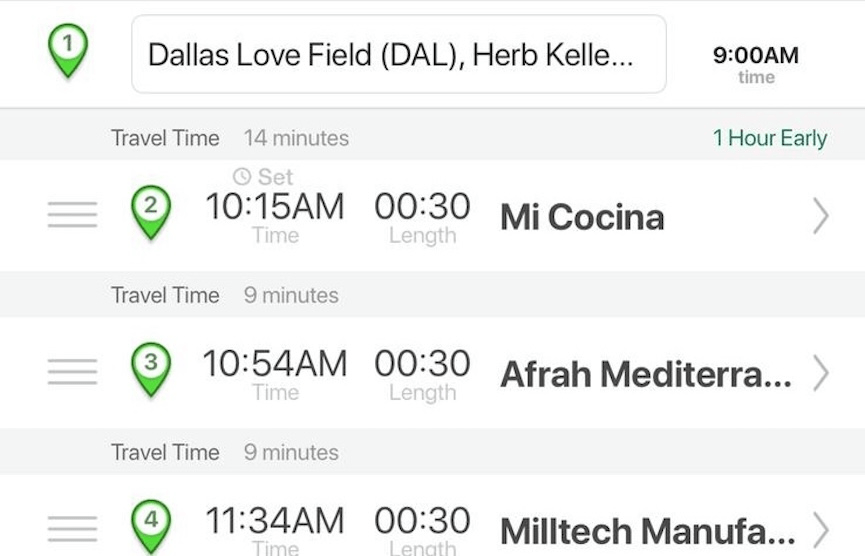
Late or early notifications
Receive alerts when you will be early or late to a meeting so you can make adjustments to your schedule so you can make adjustments.
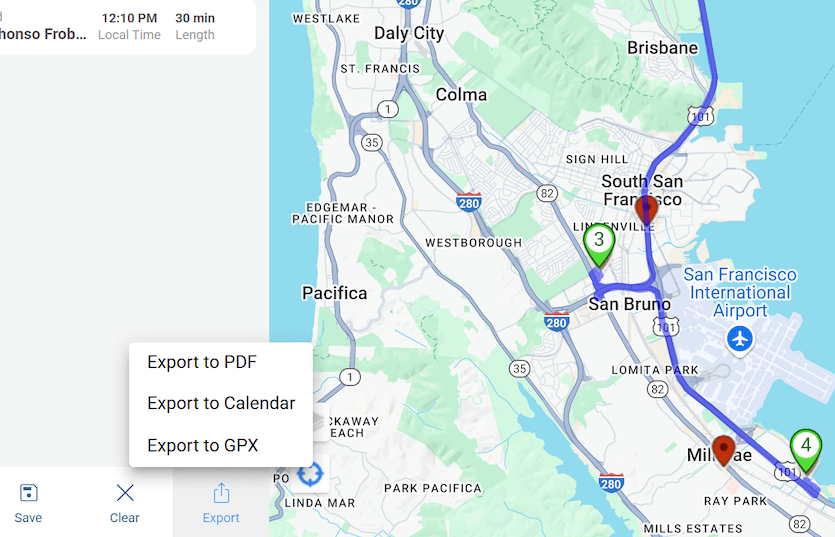
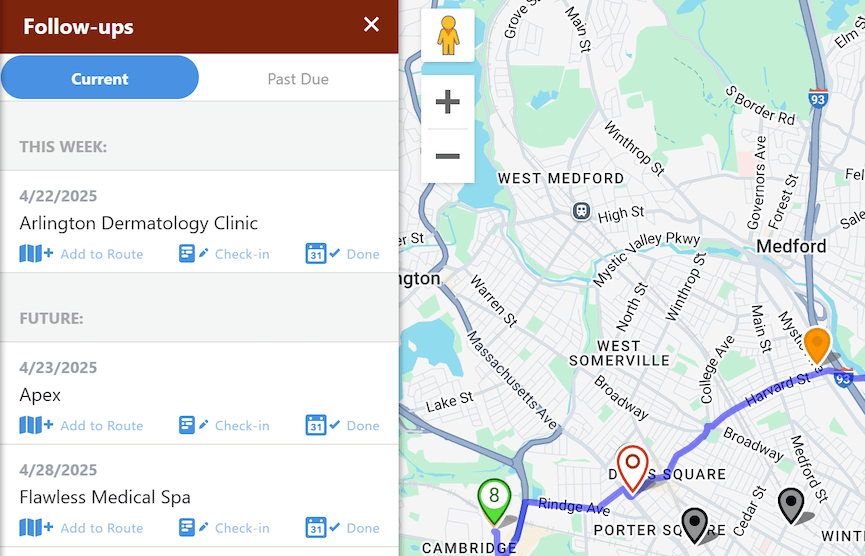
Lead Generation
Turn gaps in your schedule into opportunities. Generate & map out qualified leads in your immediate vicinity.
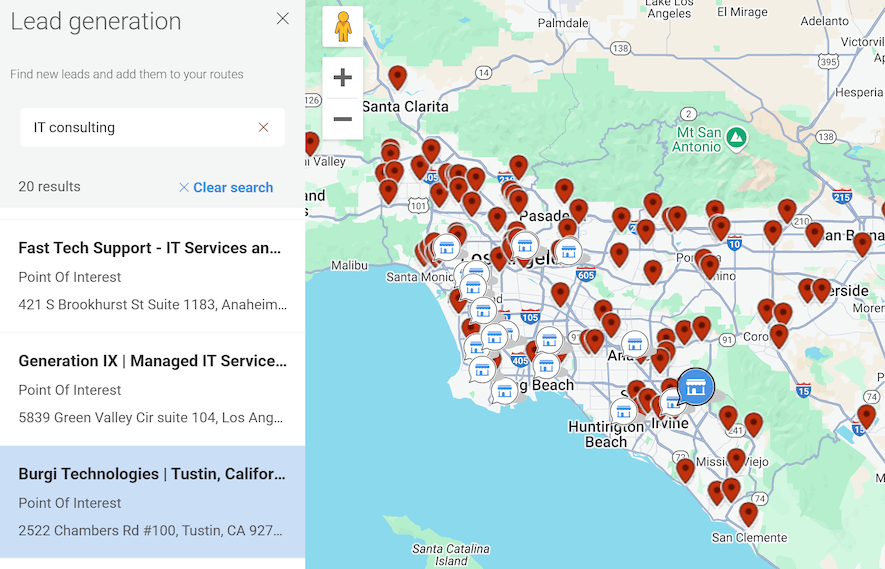
Lead generation
Use the best data available on local businesses to generate new leads in your vicinity. Add new, qualified leads to your route, or save them as a prospect to add to future routes.
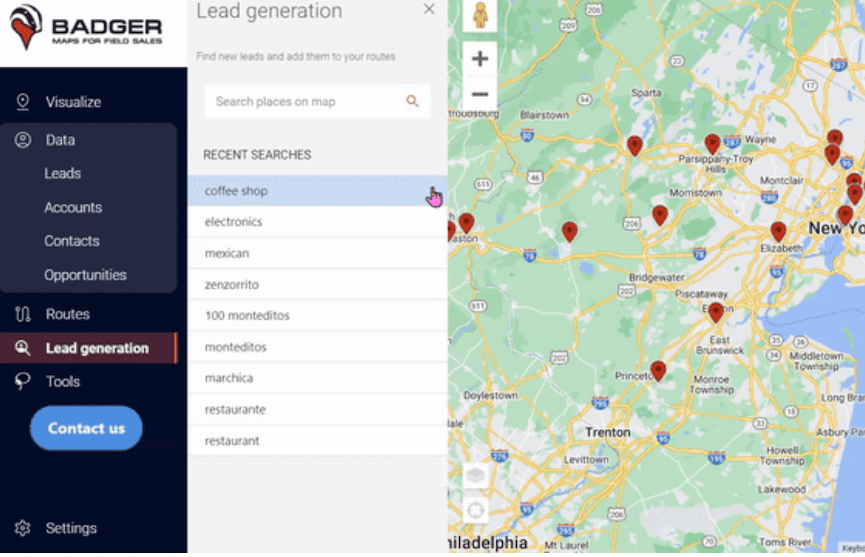
Save prospecting search criteria
Save your favorite lead generation searches.
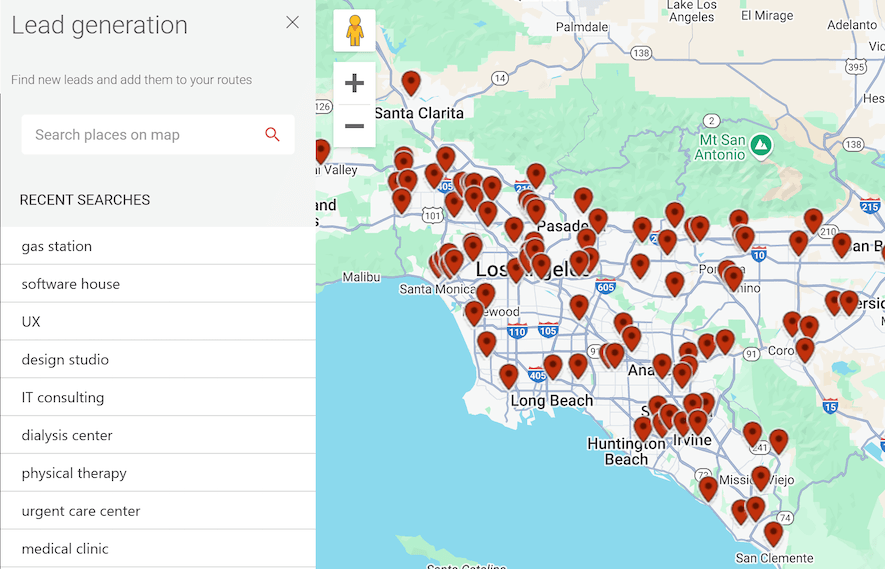
Lead mapping
View leads on a map according to business type. Also overlay them onto your business' existing customer list to see who's new.
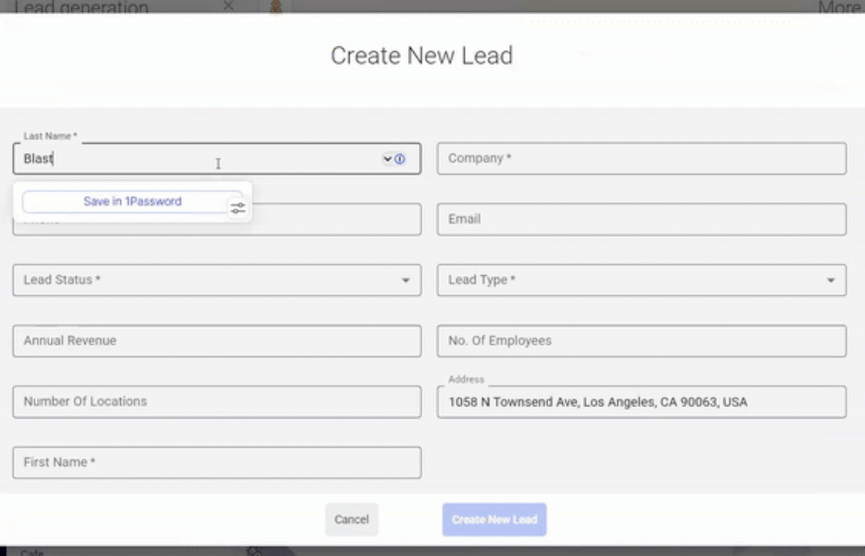
Save or import new leads
Save new leads or import them as an object in your CRM.
Badger lead service
Hire Badger's lead generation specialists to uncover new leads for you. It's like a specialized SDR that you can add to your team on-demand.
Data Collection
Collect more customer data with field friendly features.
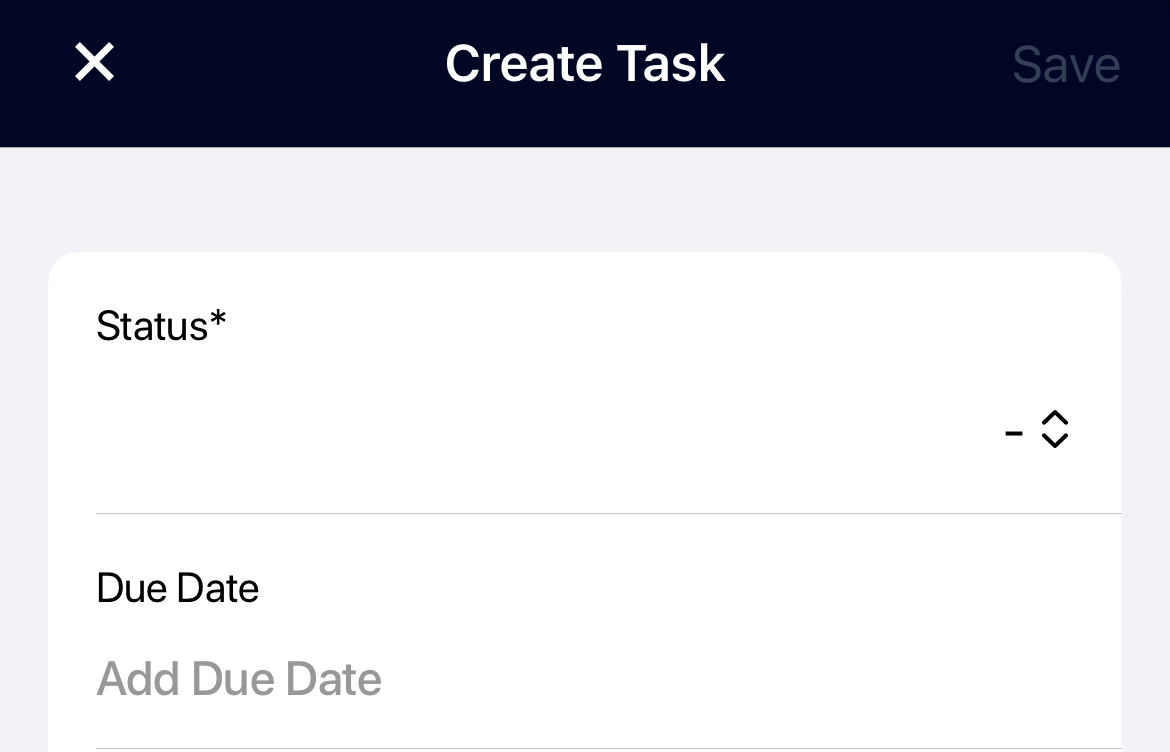
Log Activity: automated forms & notes
Customize an automated form that you fill out when you visit a prospect or customer.
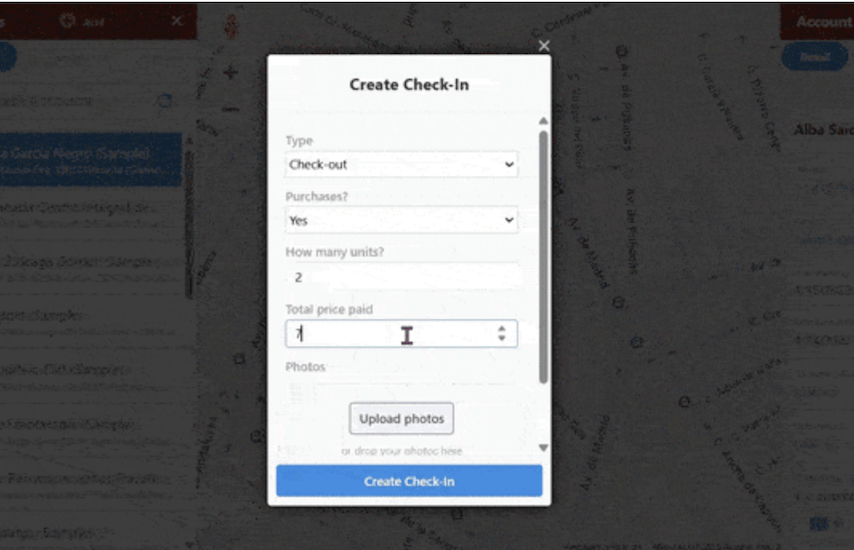
Conditional activity
Customize conditional fields that get triggered when you check-in to an account.
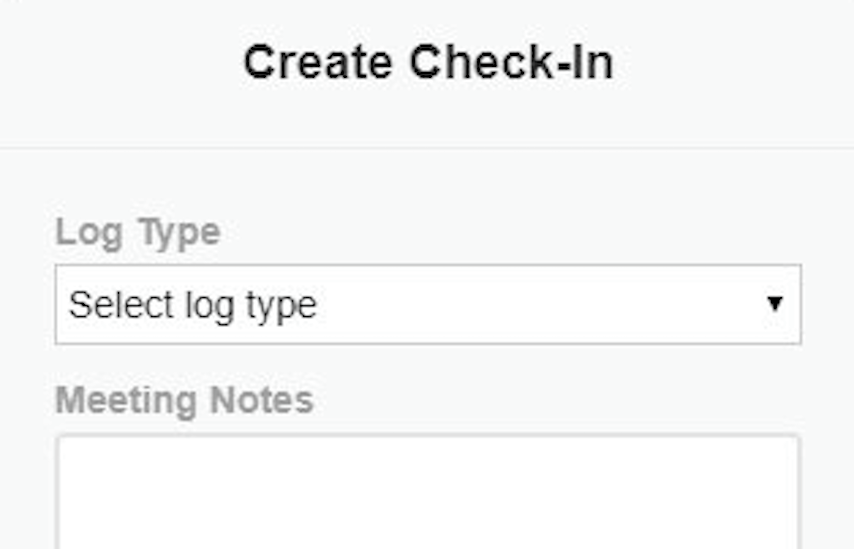
Set check-in reminders
Receive a prompt to gather data after a meeting.
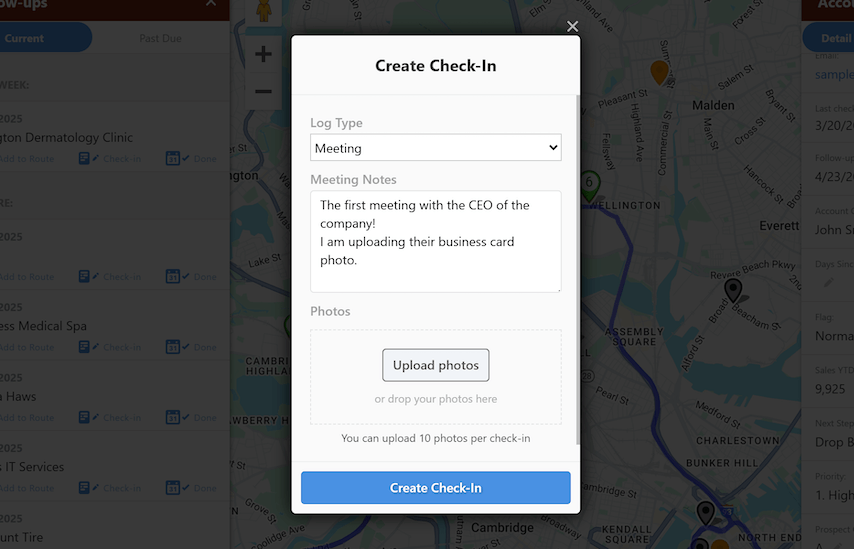
Photos
Add photos to your Check-in's.

Data security
Badger's data is secured through Amazon's AWS platform, the gold standard in data security. Our app also employs the highest level of security standards, from HTTPS SSL (TLS 1.2) to password encryption.

Integrations
Mobilize your CRM. Get instant access to your customer data in the field, and get more data into your CRM.
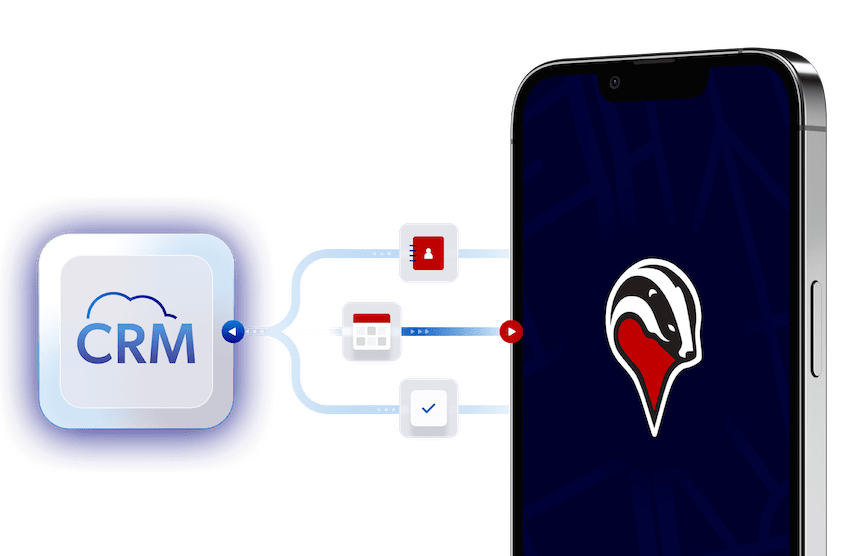
2-way, real-time & native CRM integrations
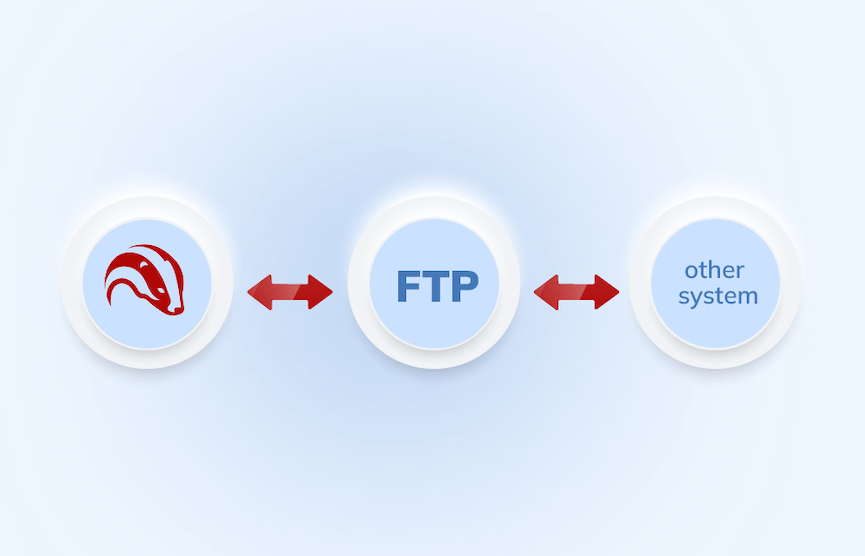
Get real-time, bi-directional updates by connecting directly to full featured CRMs like Salesforce, HubSpot, Insightly, Netsuite, Microsoft Dynamics, Zoho, Veeva, and more.
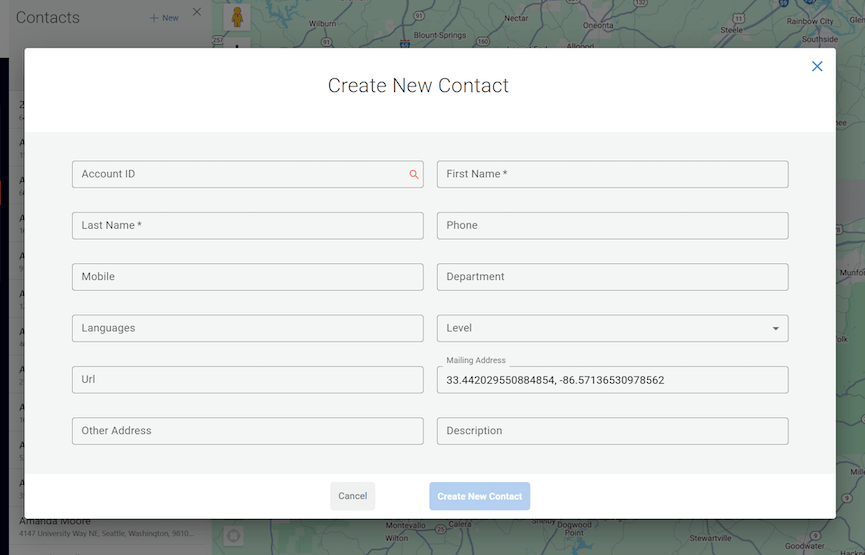
Create records from location
Create a record in your CRM from anywhere on the map using GPS coordinates.
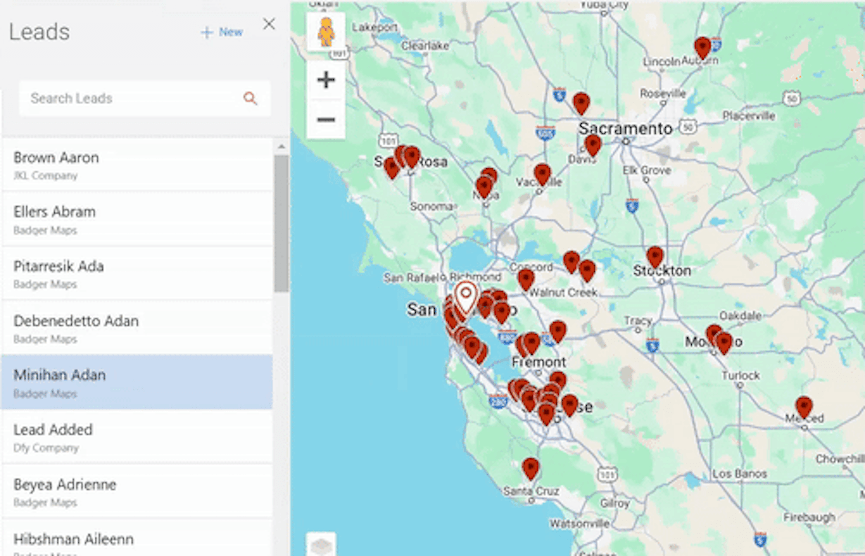
Move records
Addresses or GPS coordinates changed in the app will update to your CRM.
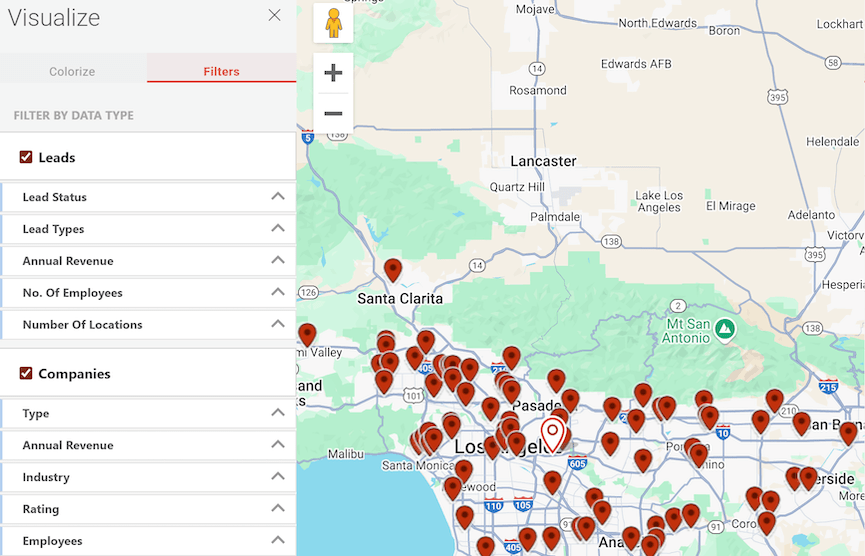
Open records in CRM
Click a button to quickly access specific records on the mobile or web version of your CRM
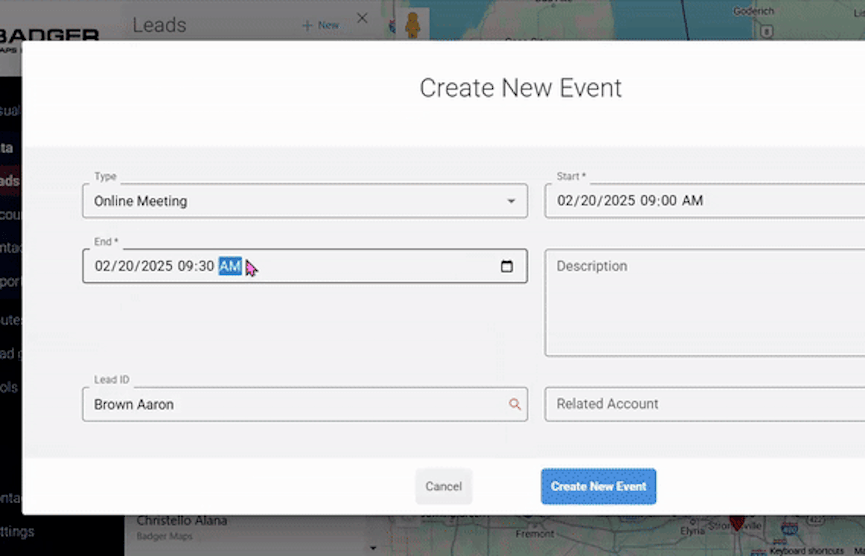
Add records to CRM views or lists
Locate & center yourself on the map relative to your pins.
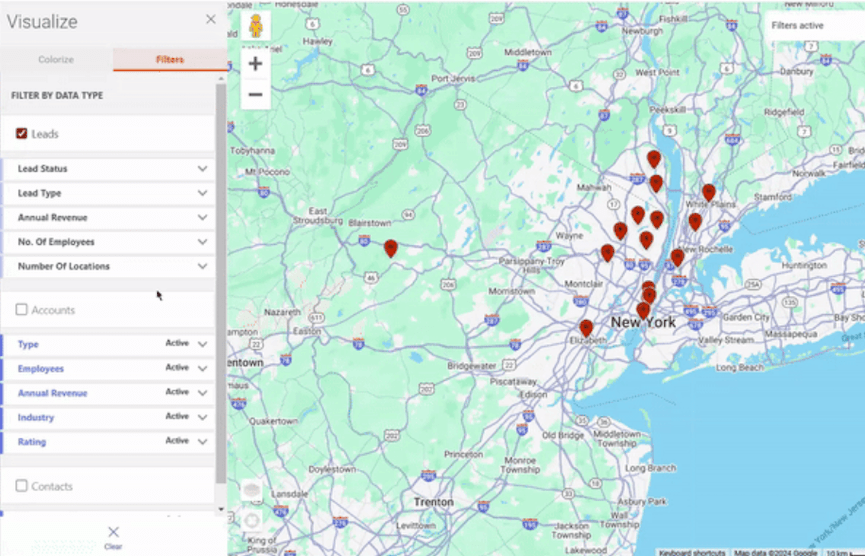
Create filtered lists on or off the map
Use the filters to narrow down the pins on the map or filter your record list based on your CRM fields or properties.
Adjustable address mapping
Pick fields to serve as the object's address.
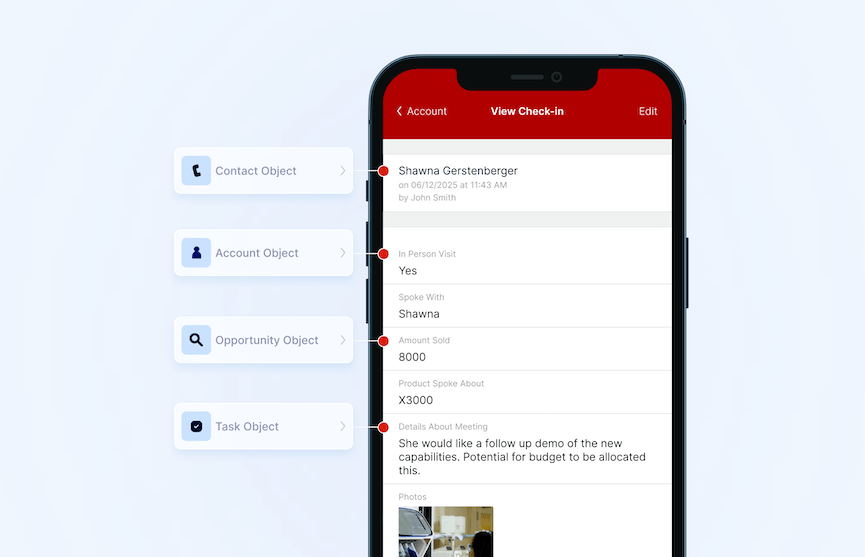
Custom data set-up
An Integration Specialist will help design the best set-up for your data in Badger.
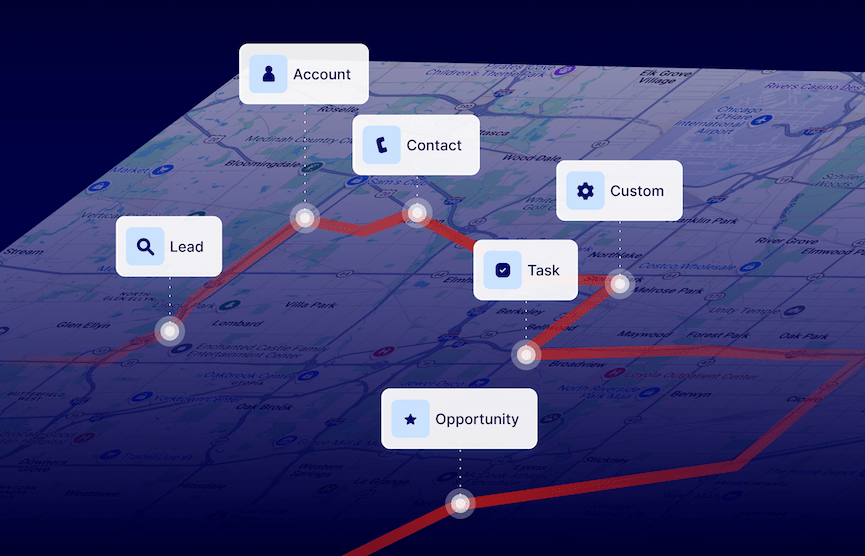
Advanced integration: multiple objects
Sync Badger with multiple objects in your CRM like Accounts, Contacts, and Opportunities to see and edit everything in your CRM from your phone.
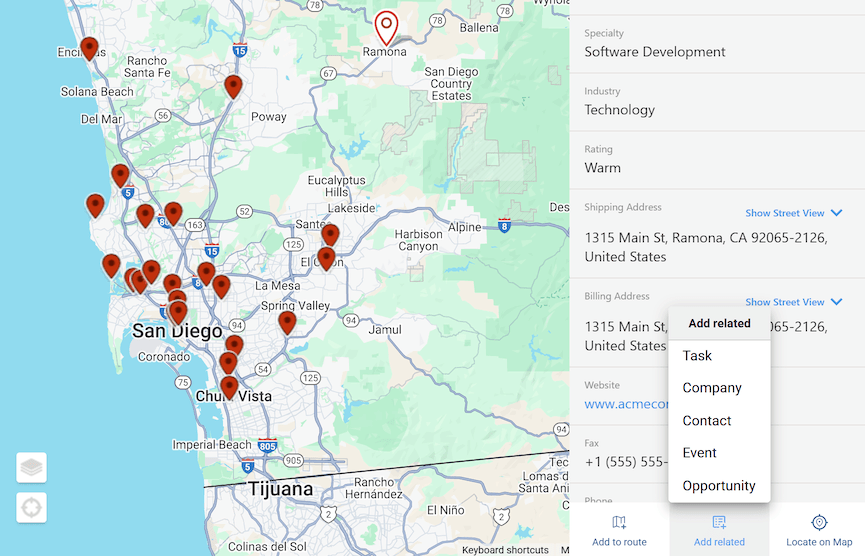
Related objects
View objects (e.g. check-ins, contacts, activities) related to a record or add new relationships to a record.
Zapier integration
Connect Badger to 5,000+ apps including Pipedrive CRM, Get Response, Copper, Woodpecker, and more with Zapier.
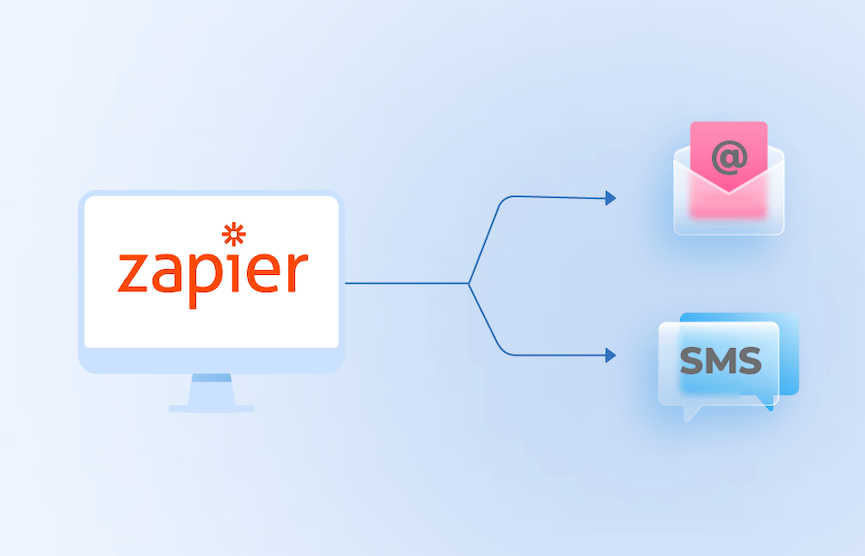
Create automations with Zapier
Set up automations like triggering a SMS or email with Zapier.
Reporting
Eliminate the need for micromanagement, and give business leaders the insights they need to make better management decisions.
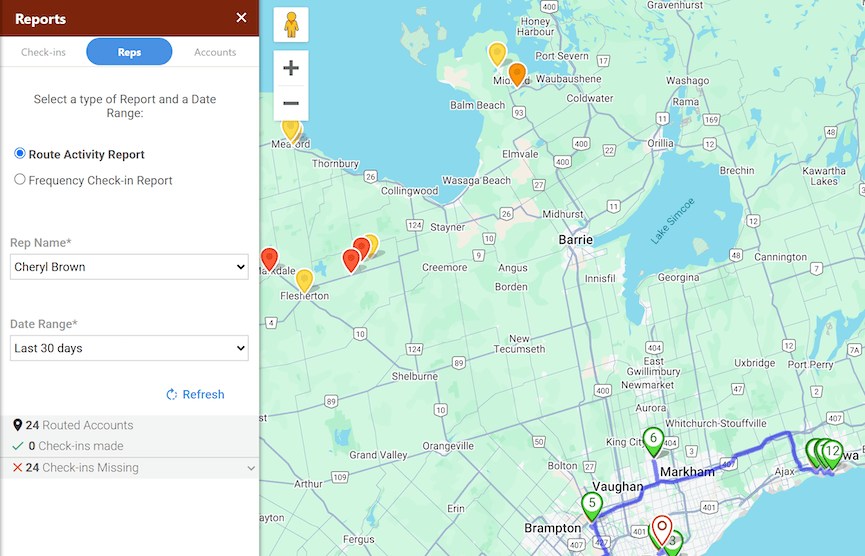
Verified activity
Time and location stamped check-in's and notes verify your rep's location at the time of a meeting.
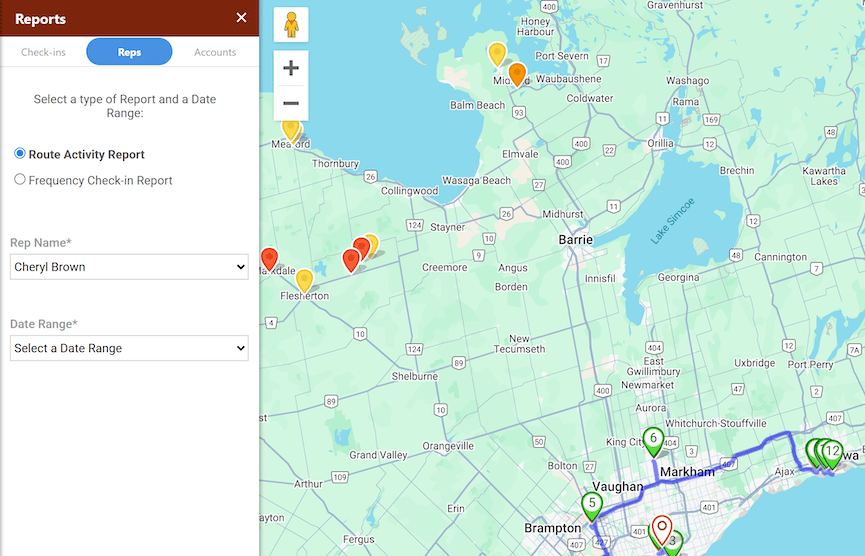
View planned or past routes
Review your reps' past activity or upcoming routes. Make adjustments.
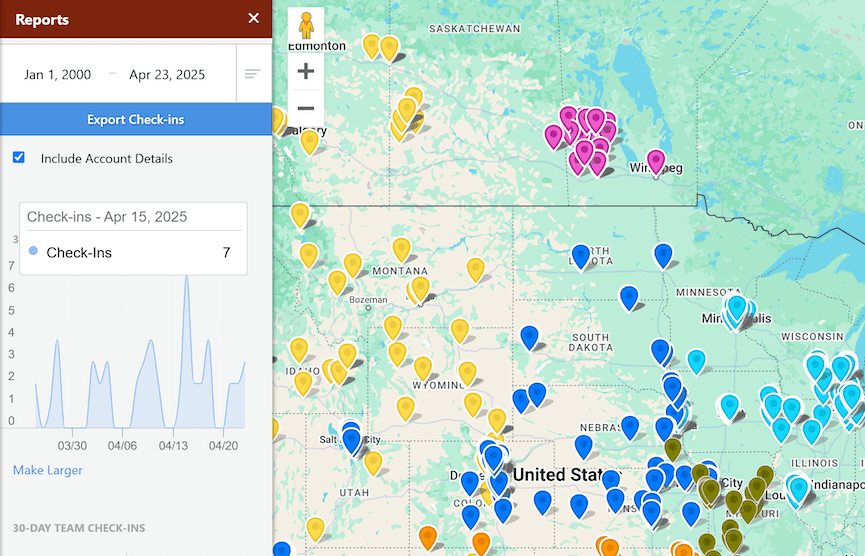
Automated activity reports
Receive reports on individual reps or the whole team summarizing activity in the field.
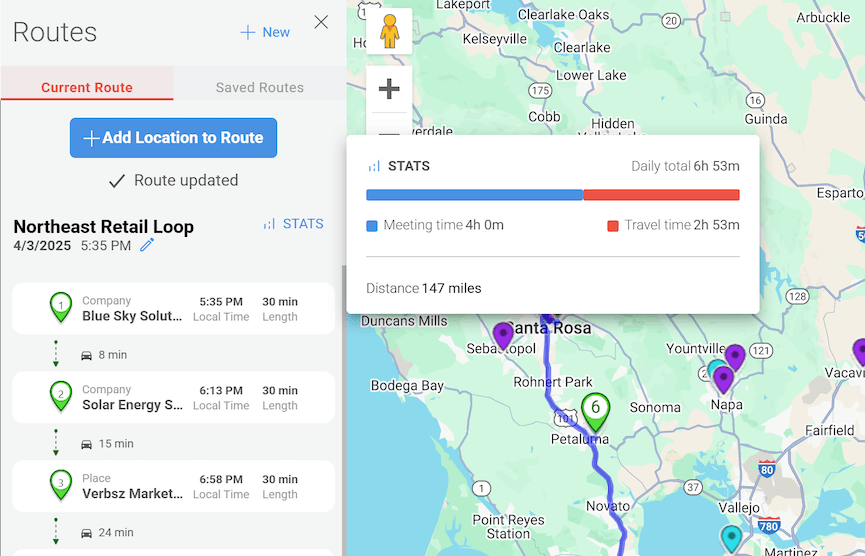
Team Management
Reps might work independently in the field but they don't have to be isolated. Capitalize on features that affect how your team shares and collaborates.
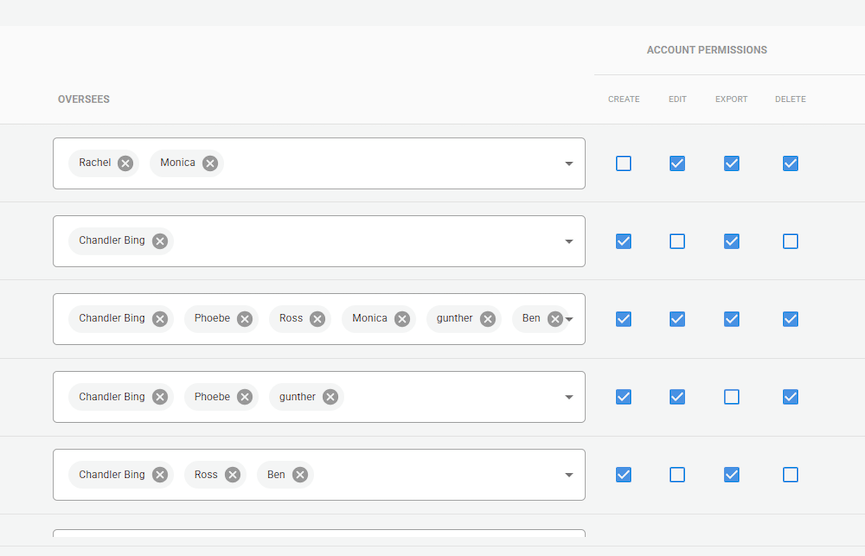
Teams
Create teams. Quickly add or remove team members.
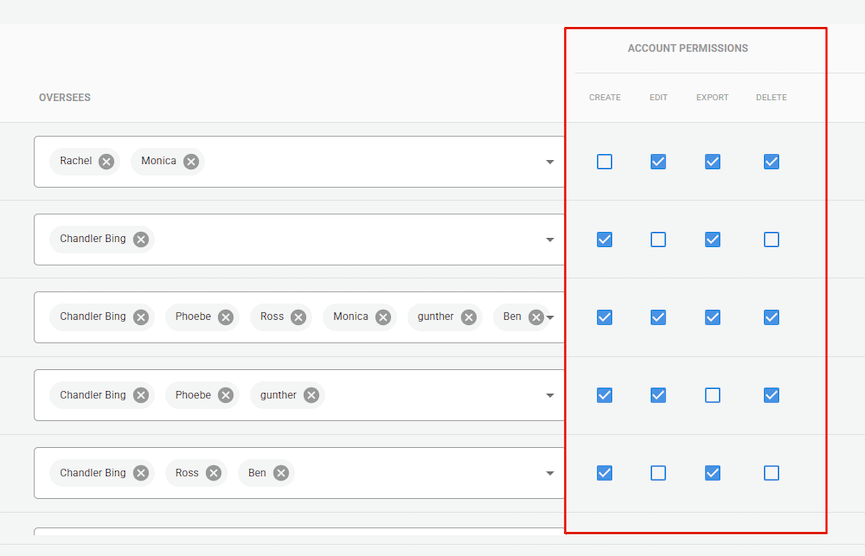
Hierarchies & permissions
Define hierarchies & grant hierarchy based permissions. Badger can also simply respect your CRMs existing permissions.
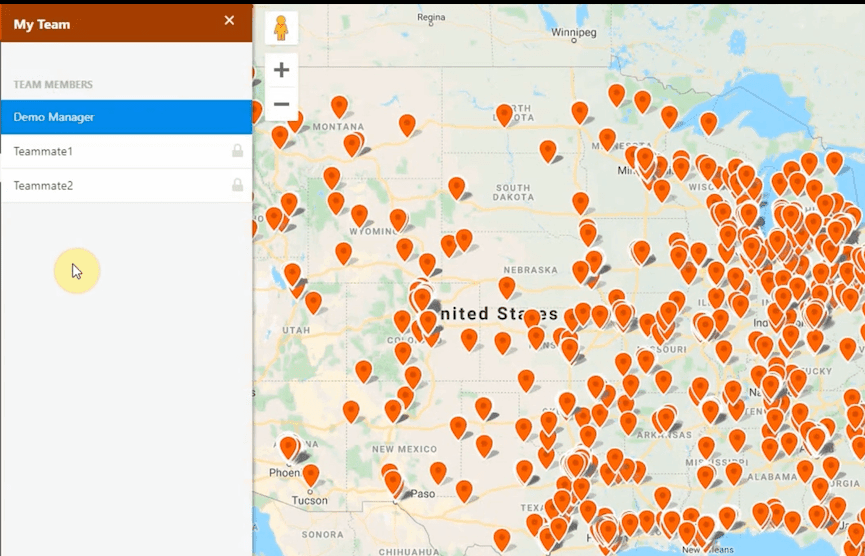
Custom views
Ensure each person in your org only sees what you want them to see.
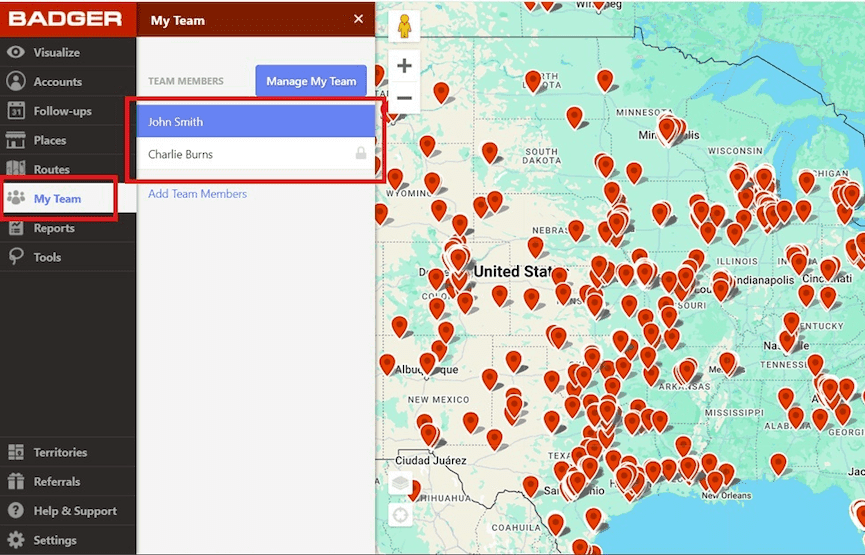
Manager's View
View your team's territories or pins on a map.
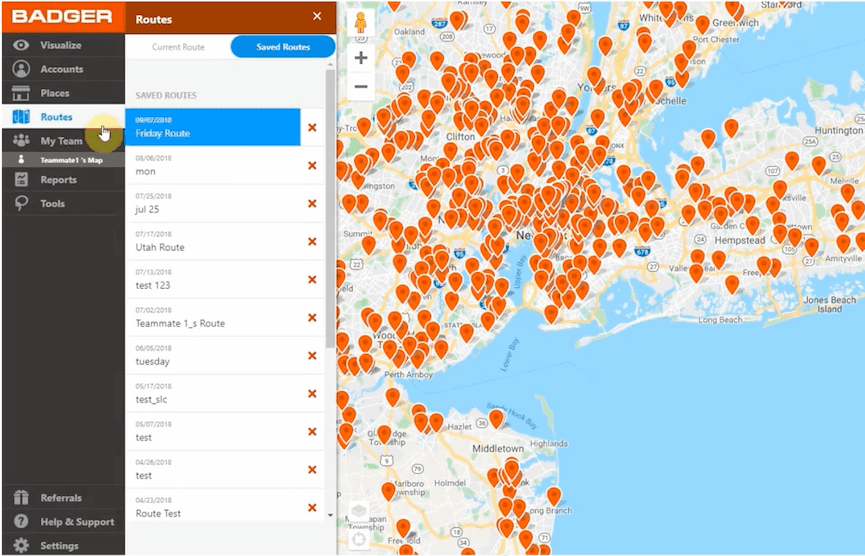
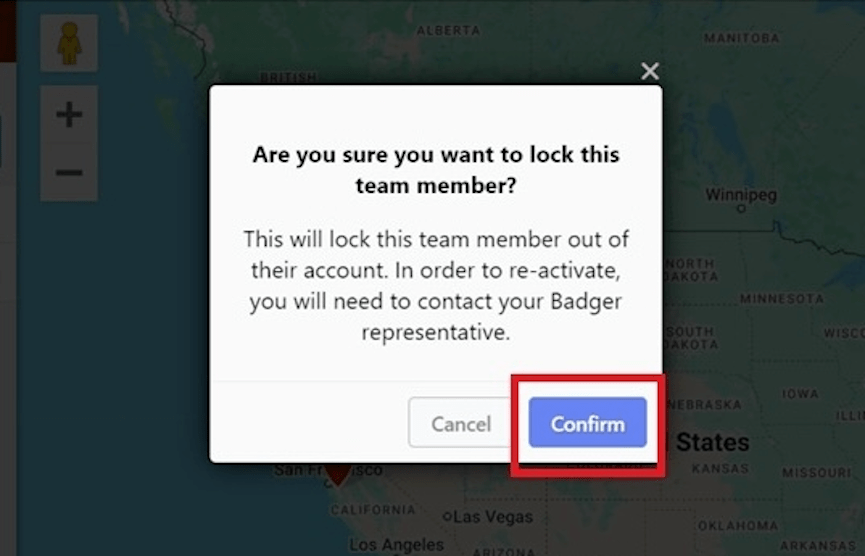
Inherit routes
When a rep leaves the company, the new rep replacing them can inherit all the routes saved in Badger.
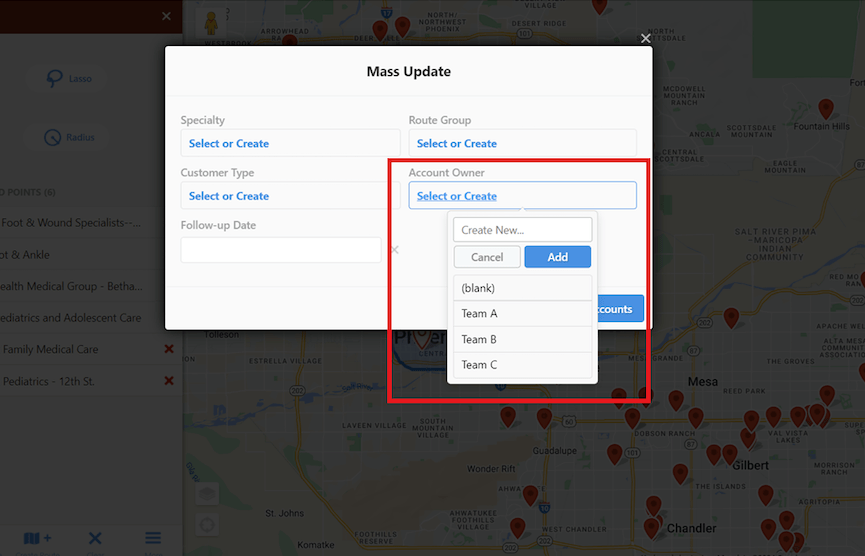
Assign accounts/pins
Generate verifiable mileage reports on your routes, without the challenges associated with "breadcrumbing" tracking apps.
Territory Mapping
Get a birds-eye view of your territories to better understand your team's performance and optimize your resources.
See your CRM view of your territories
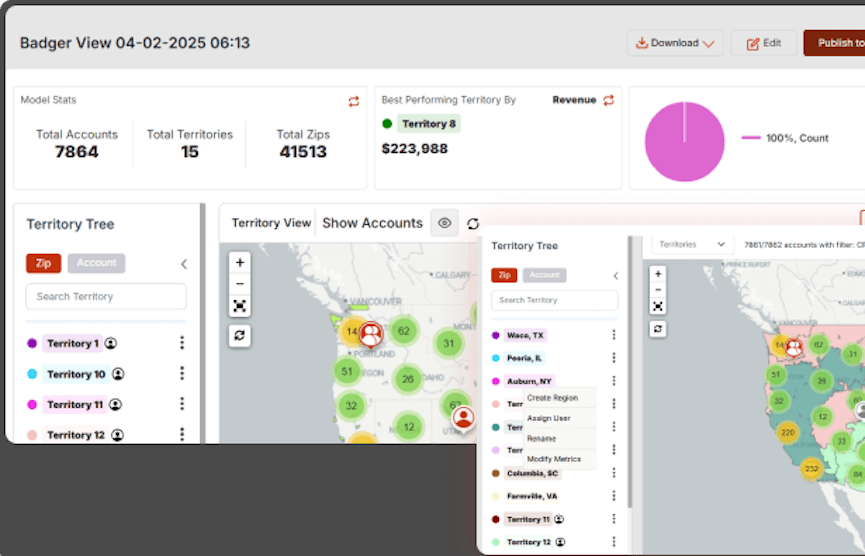
Import the territories in your CRM, and view them on a map.
Update account details in your CRM
Manually change account details, and send updates back to your CRM.
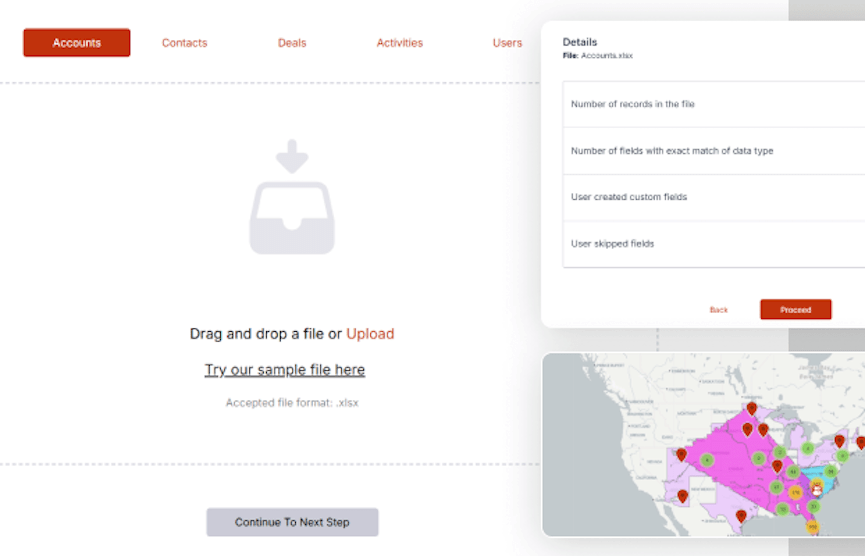
View territories from Excel
Map territories assigned in Excel.
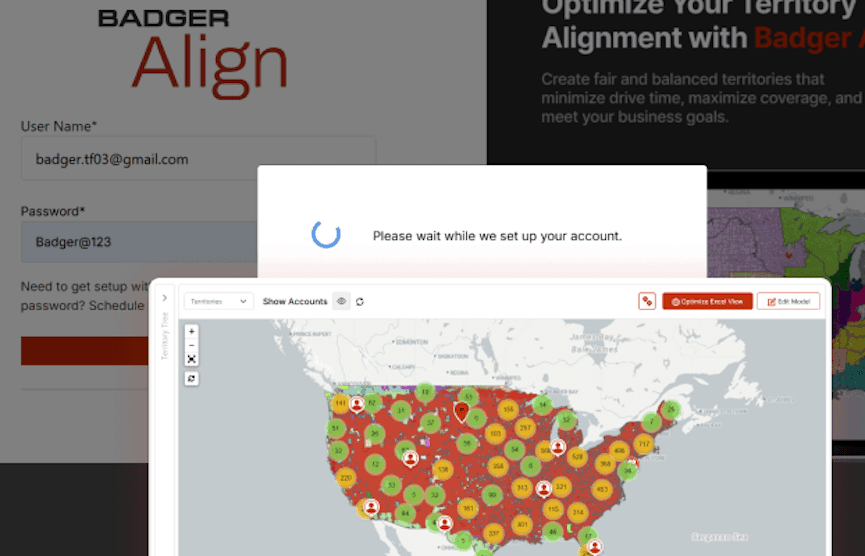
View your territories from Badger Maps
Import territories assigned in Badger Maps.
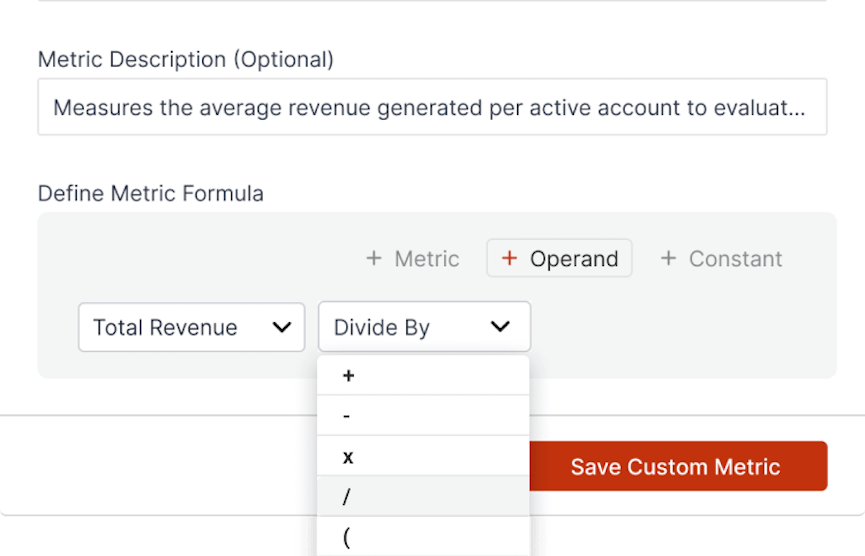
Map custom metrics
Map the KPI's or custom metrics that matter to you. Define metrics. Designate them as a daily or cumulative value.
Create your own KPIs
Add an operator (like divide, multiply, add, subtract, or parentheses) to metrics to create your own formulas & KPIs.
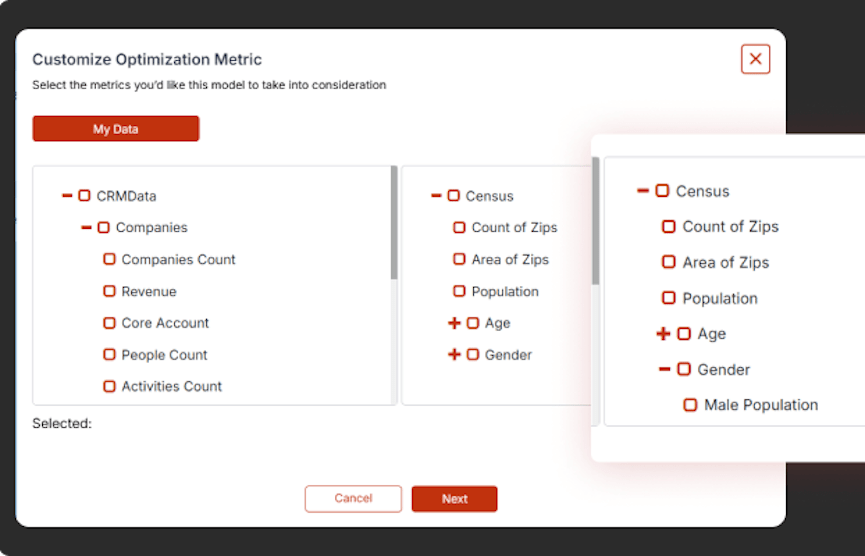
Map demographic data
See demographic data like zip/postal codes, population, age, and gender, mapped against your territories to gain valuable customer insights.
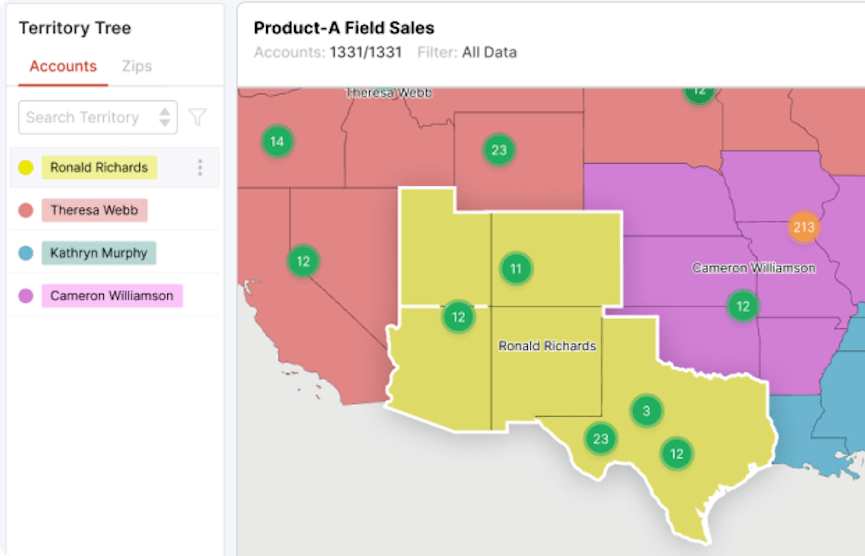
List view of territories
View a list of your territories next to your map, and quickly search and toggle to an individual territory.
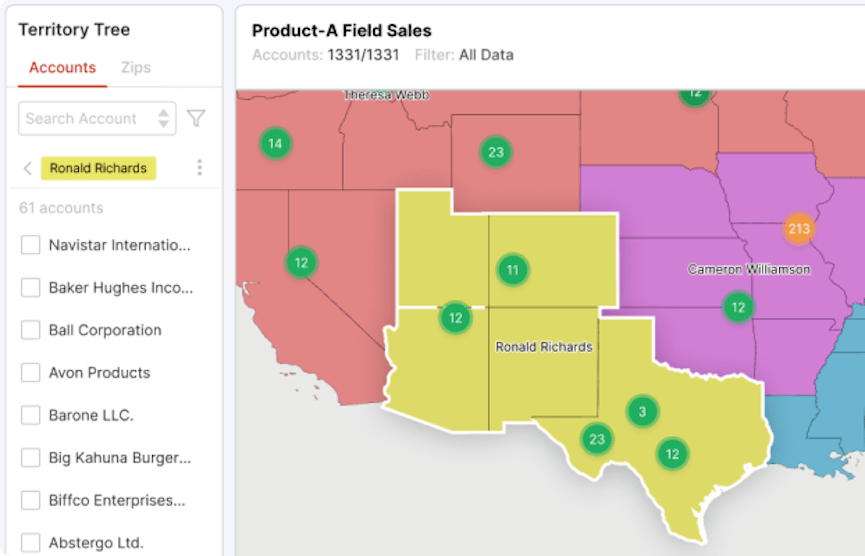
Filter your list view
Filter your territory list according to zip/postal code or accounts.
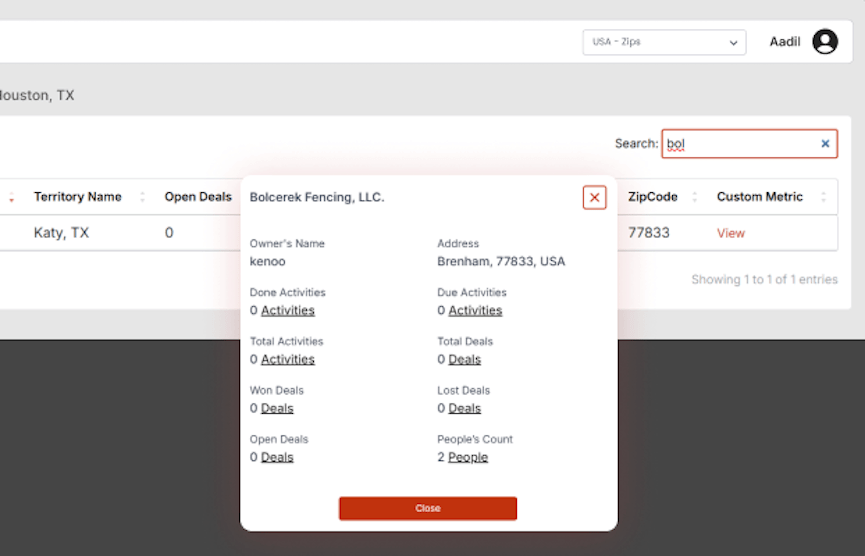
Search lists
Search drill down lists to quickly find an account.
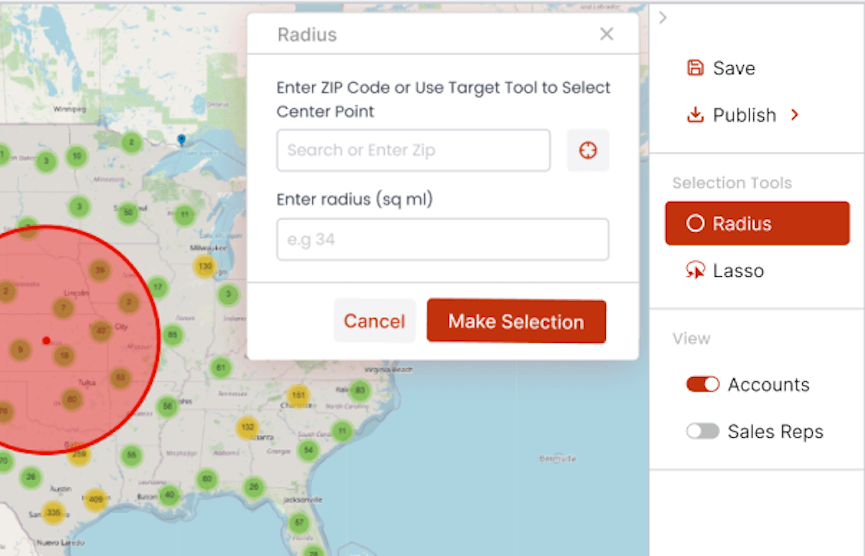
Radius
Create a radius from a particular point on your map, calculated by distance.
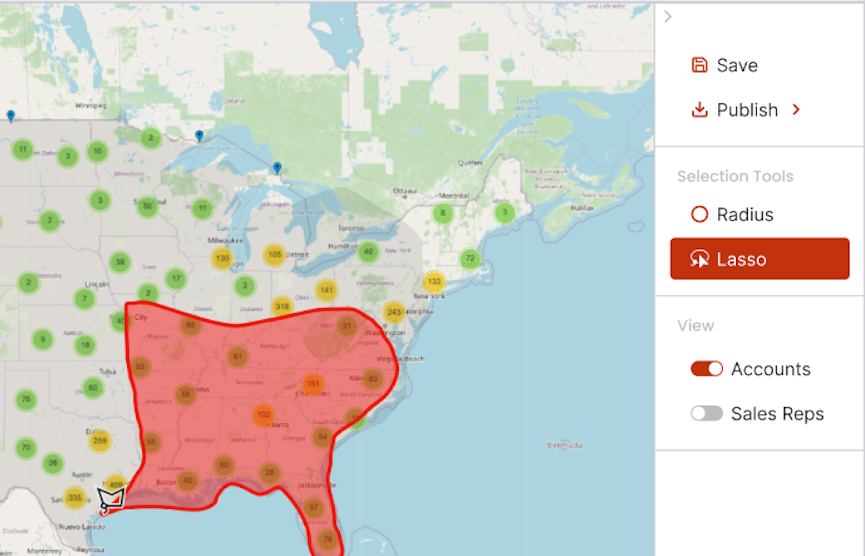
Lasso tool
Use the lasso tool to restrict your focus to a certain geographic area.
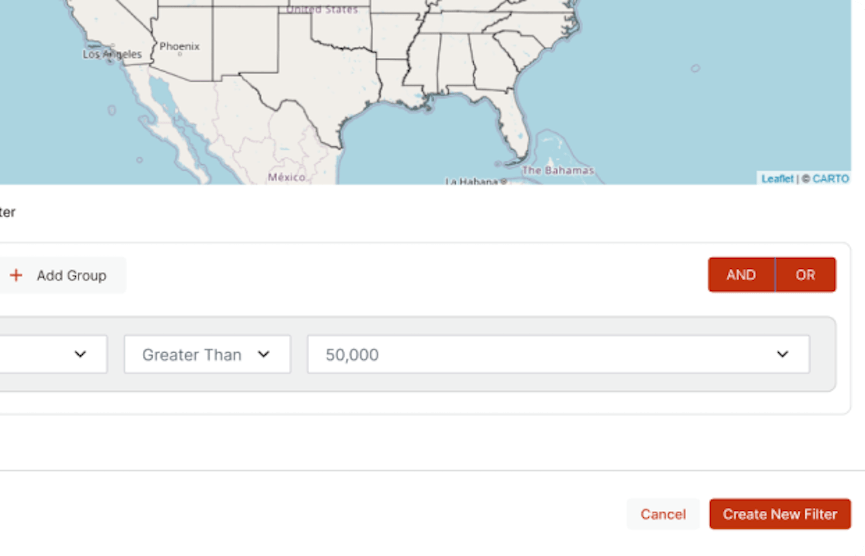
Set constraints
Bound the areas or metrics you want to see on your map.
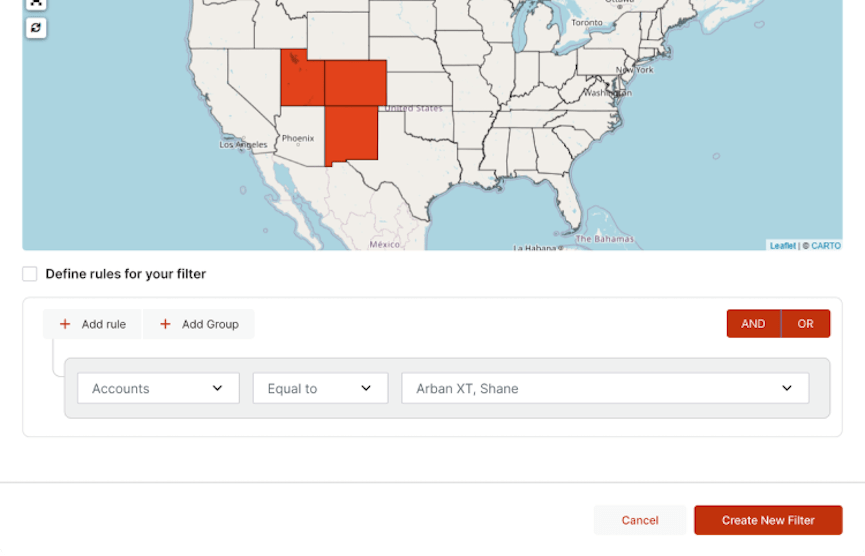
Geographic & rule based filters
Apply geographic or rule-based filters to drill down to a specific area or set of accounts on your map.
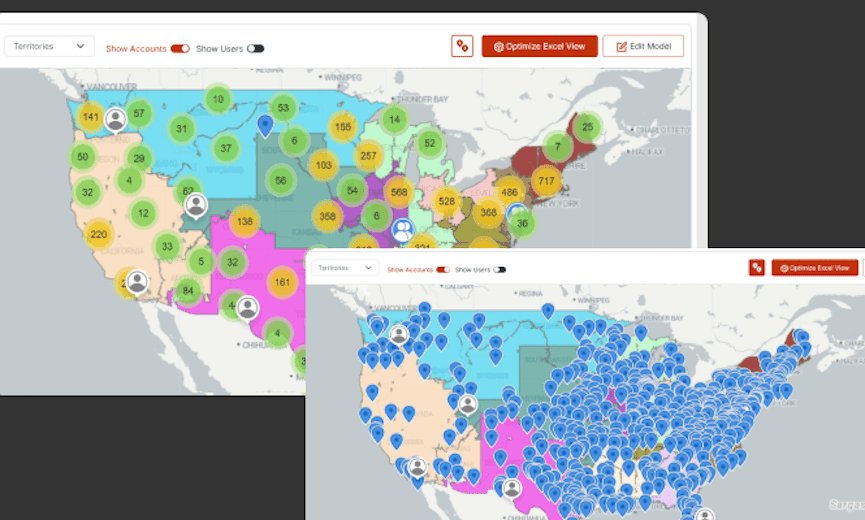
Point clustering & declustering
Manually or automatically cluster or decluster the points on your map based on account concentration.
Territory Insights
Map your performance data to assess the strengths and weakness of your team or territories.
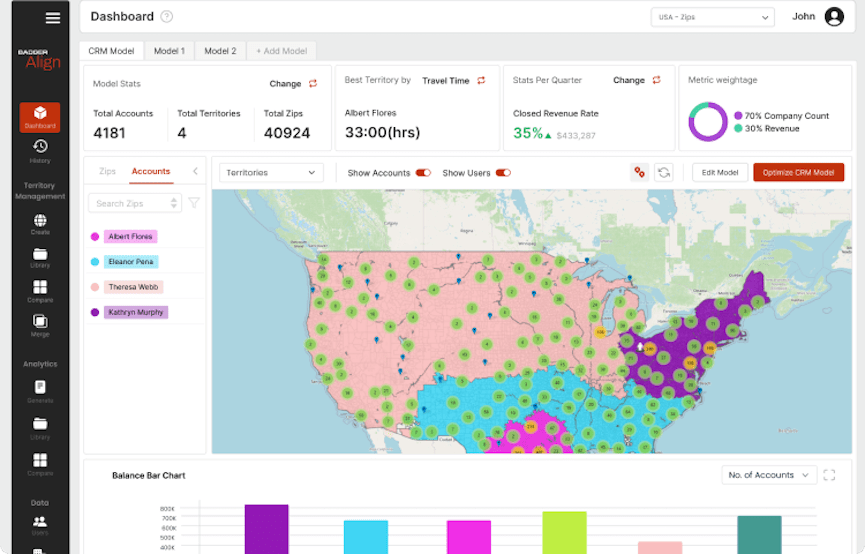
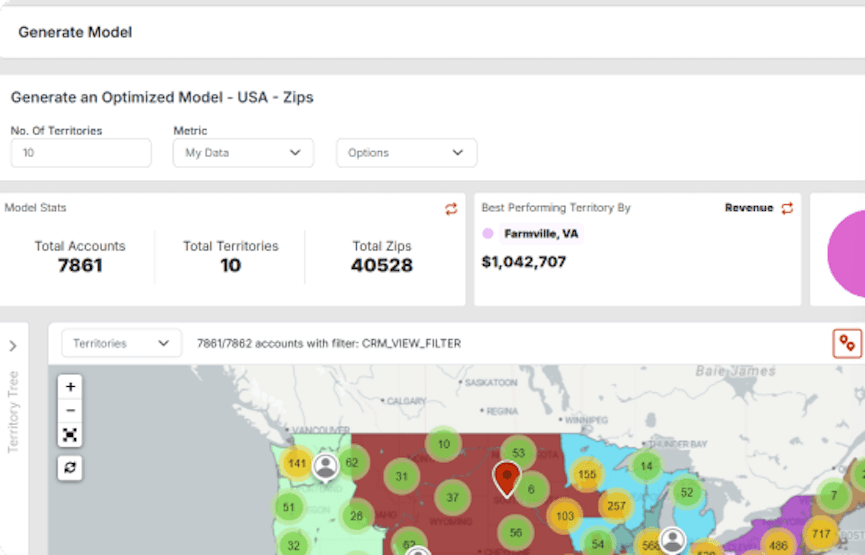
Manager's dashboard
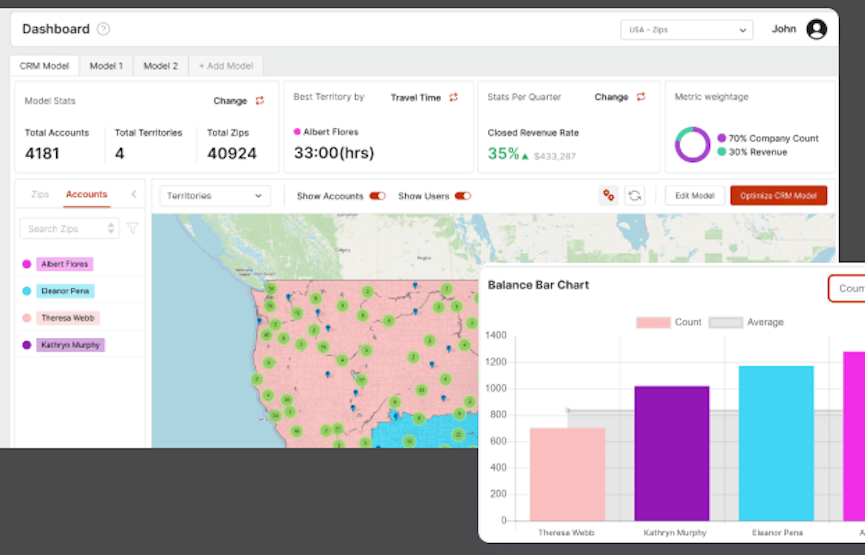
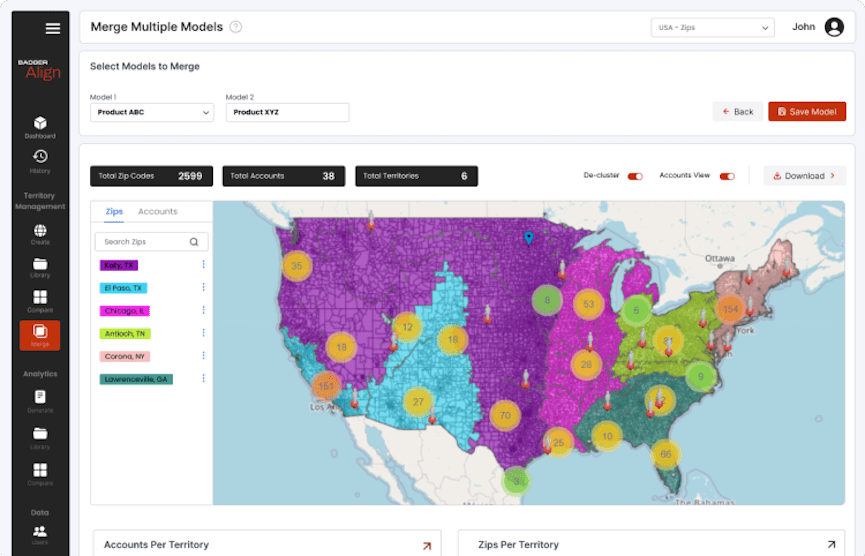
Quickly see your territory map next to model & quarterly stats.
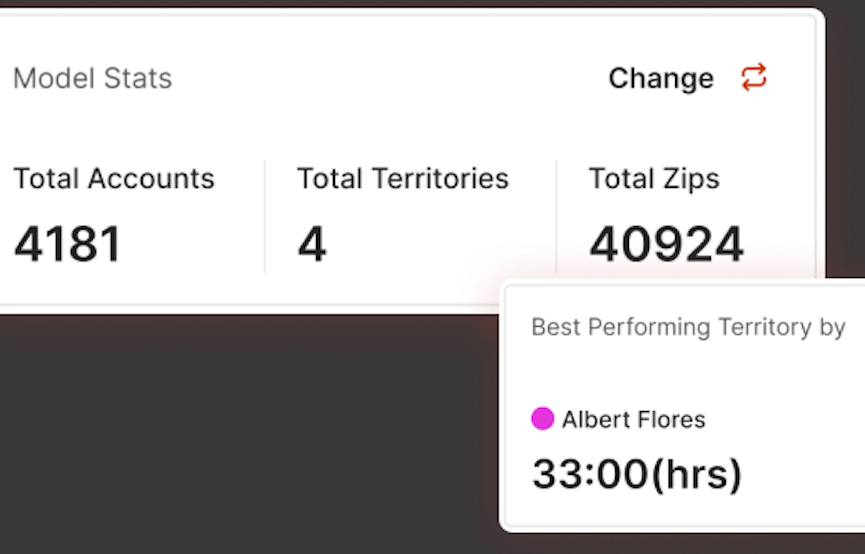
Model stats
See total territories, total zip/postal codes, total accounts, and total revenue, as well as your best performing territory in your dashboard.
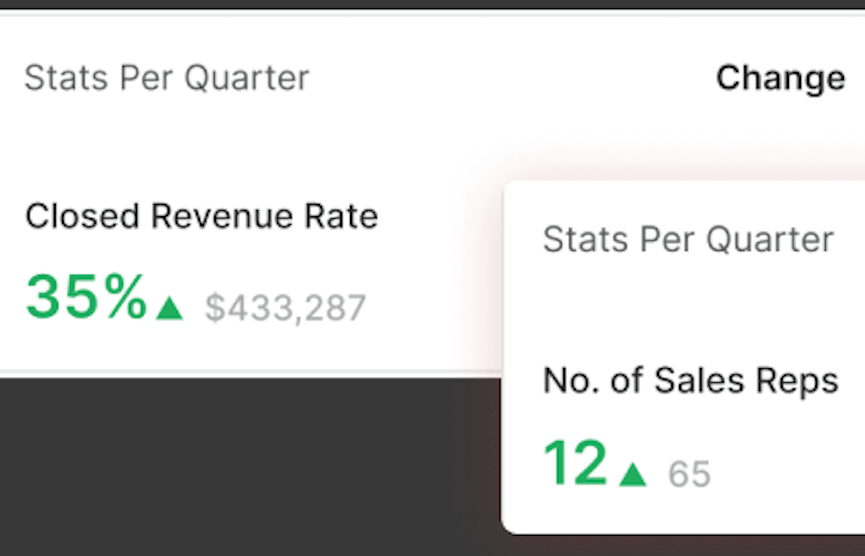
Quarterly stats
See average revenue per territory, number of accounts, and number of reps compared to the prior quarter in a chart in your dashboard.
See your best performing territory
See your best performing territory in terms of revenue, travel time, and optimization %.
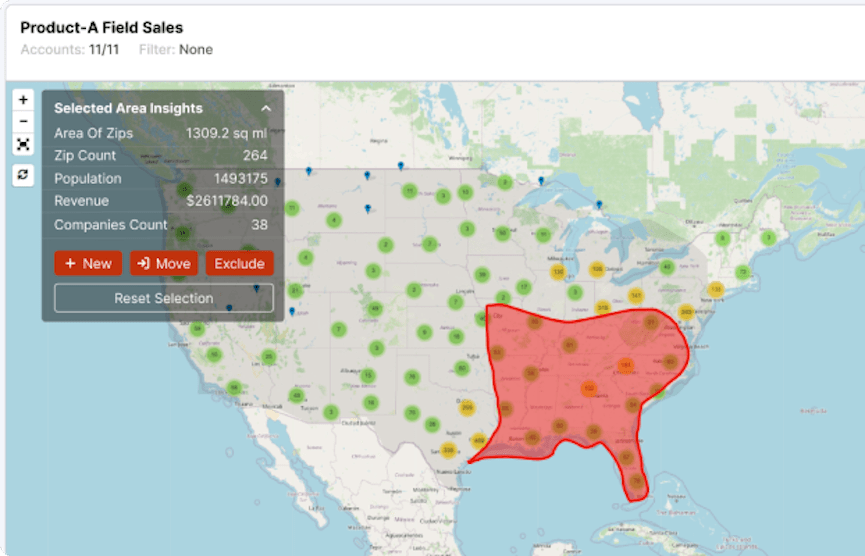
Filtered or lassoed area insights
Quickly see zip/postal code count, population, square miles, and company count.
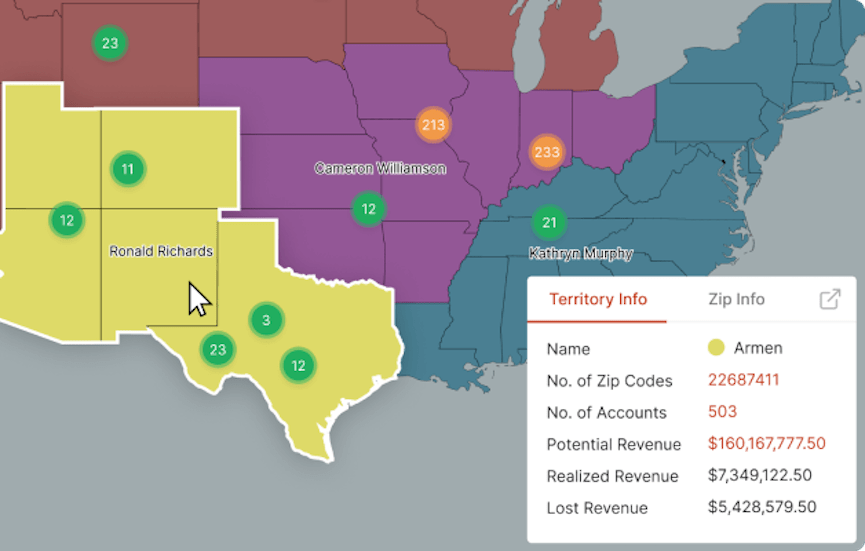
Hover
Hover over a geographic area to see the territory name and number of accounts.
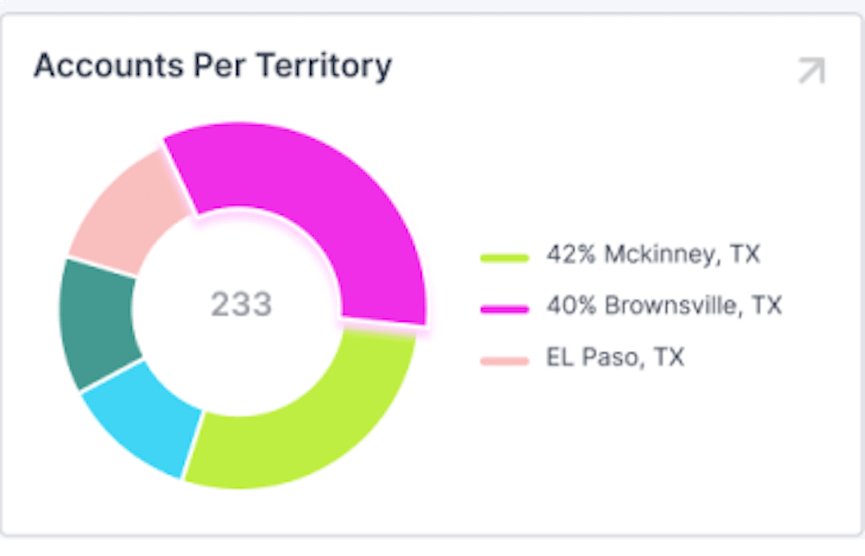
Pie chart
See accounts per territory and zip/postal codes per territory in a pie chart on your dashboard. Also quickly see your top 3 performing territories.
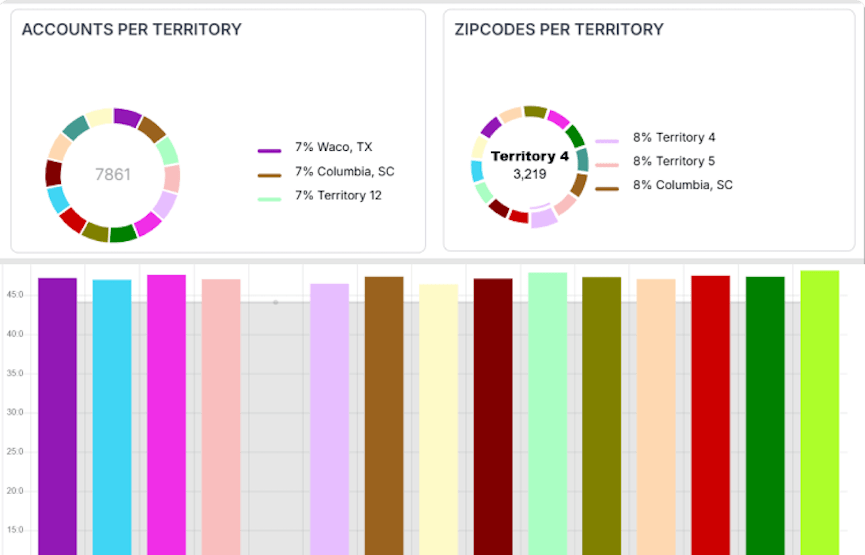
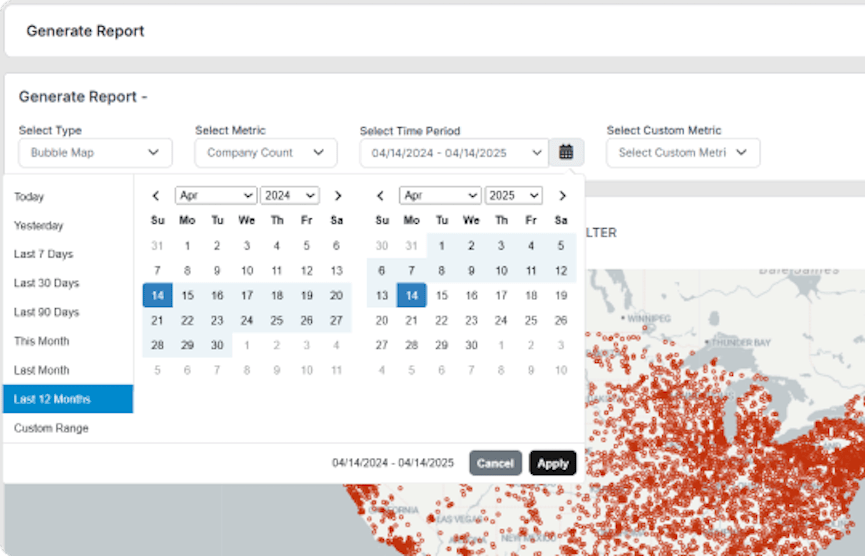
Chart Reports
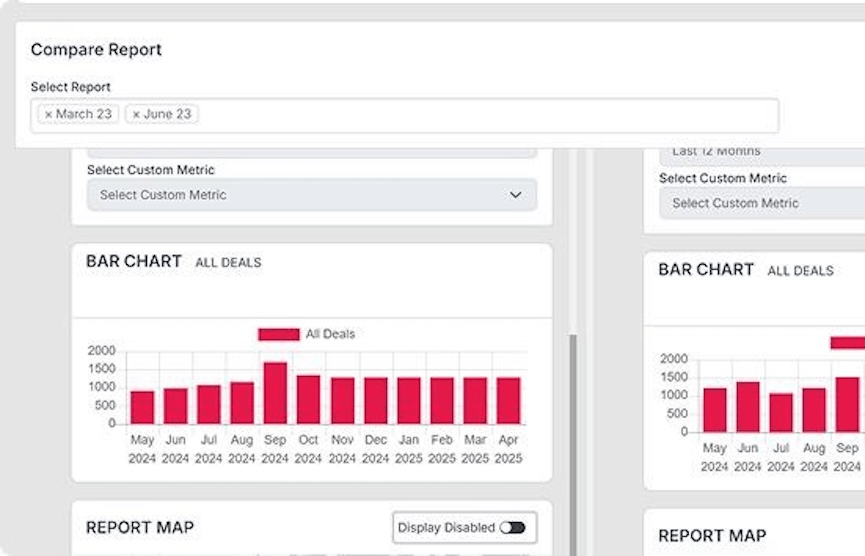
Generate a variety of charts like bar, line, or pie charts based on a geographic area or territory model, using custom or predefined metrics.
Sales cycle view
From each chart you can drill down to get details on accounts, assignments, open deals, won deals, lost deals, or custom metrics.
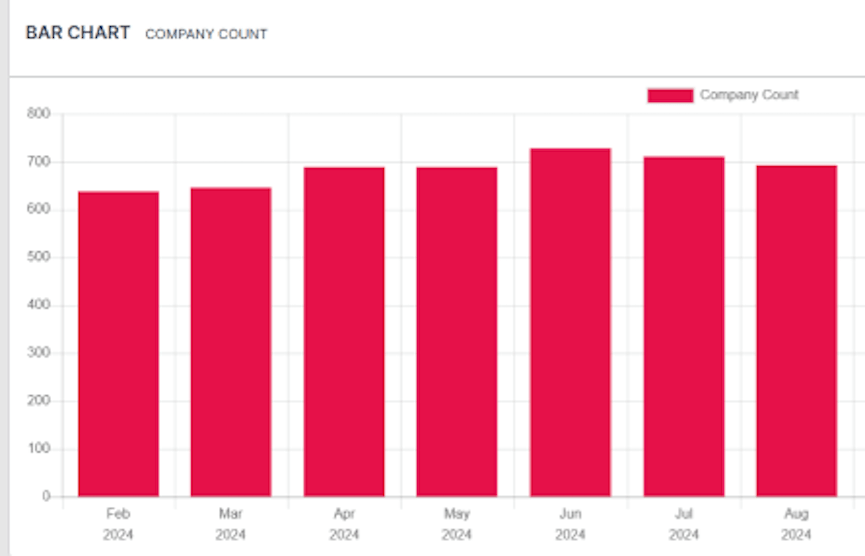
Territory graphs
In a bar chart, view travel time, revenue, number of accounts, or zip/postal codes for a specific territory over the past year (either by month or quarterly).
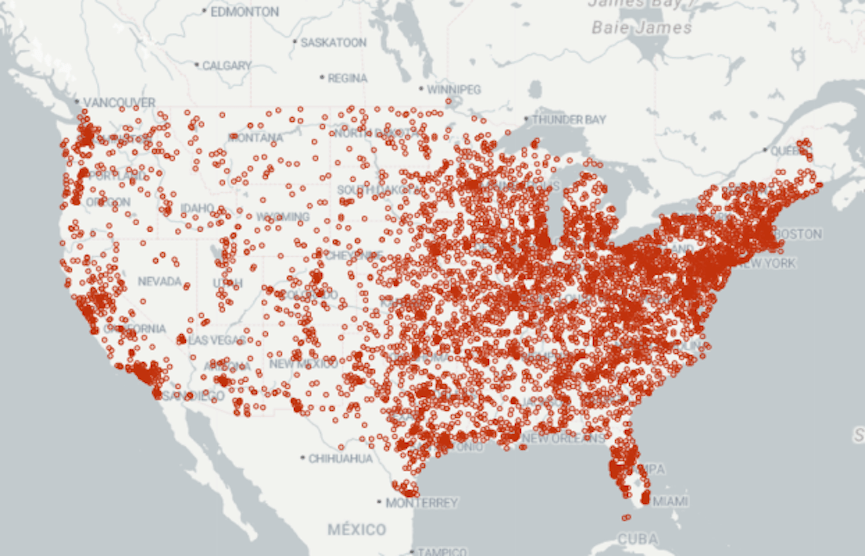
Bubble maps
Easily visualize the magnitude of one location's data relative to another.
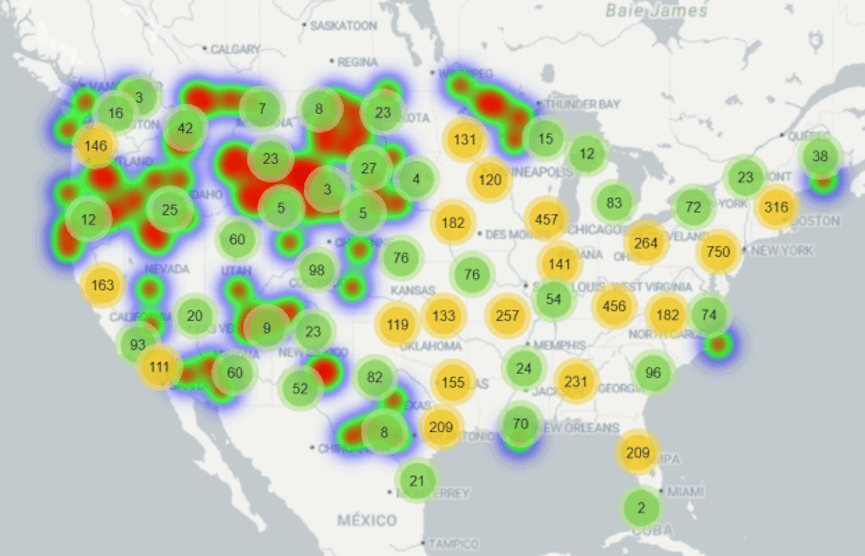
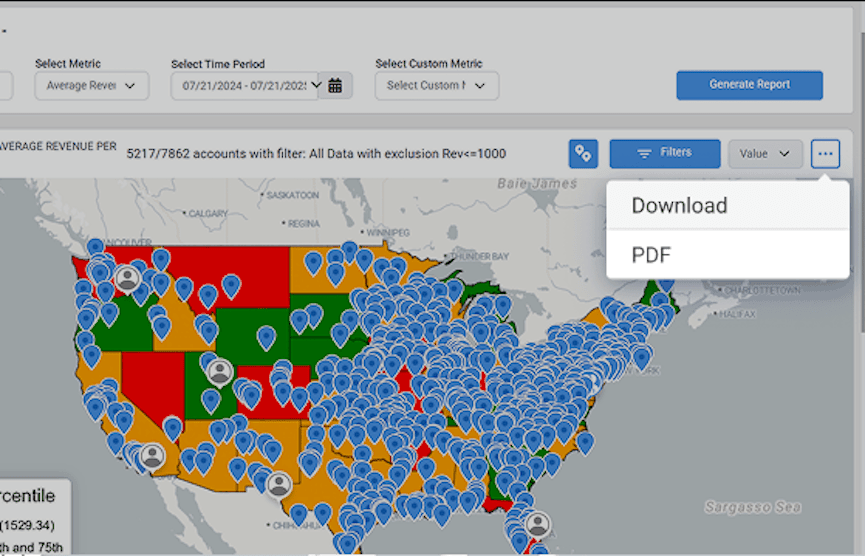
Heat maps
See customer data distributed across a geographic area to determine where to increase efforts and resources to meet demand.
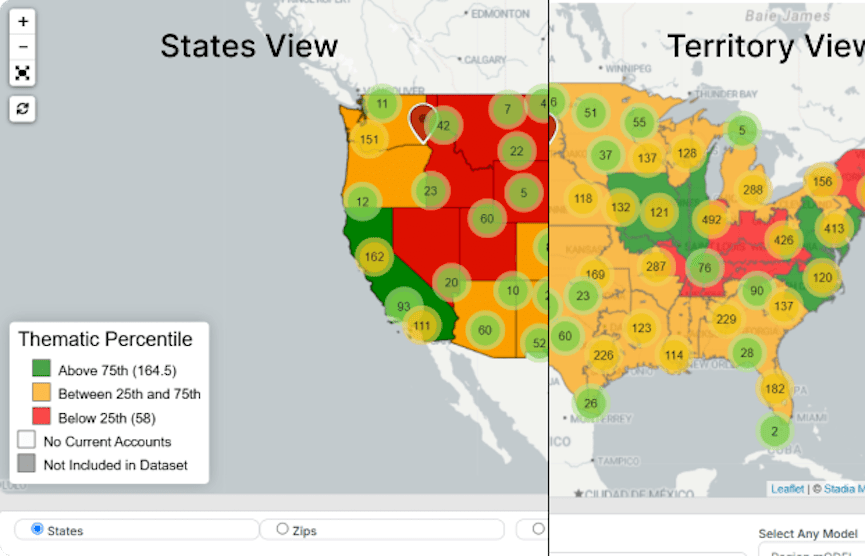
Thematic maps
See a map focused on a specific theme or metric.
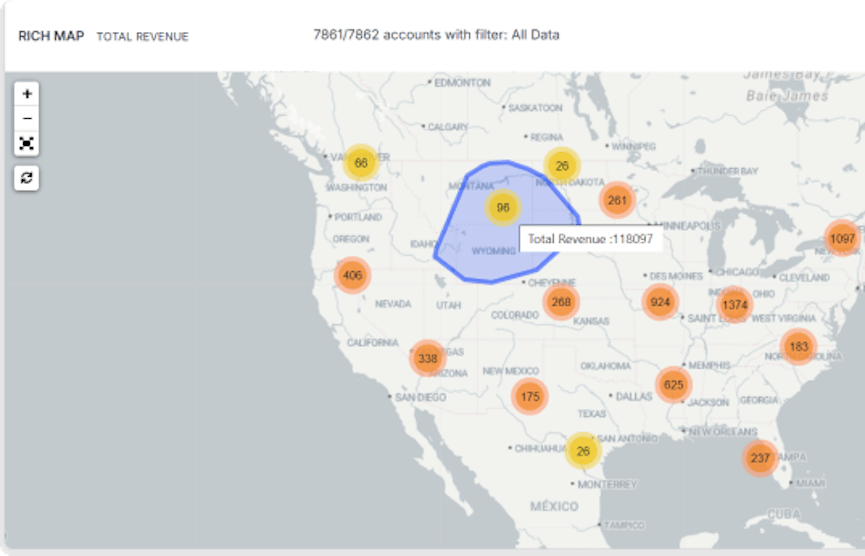
Rich maps
Map topography with metric data to uncover insights.
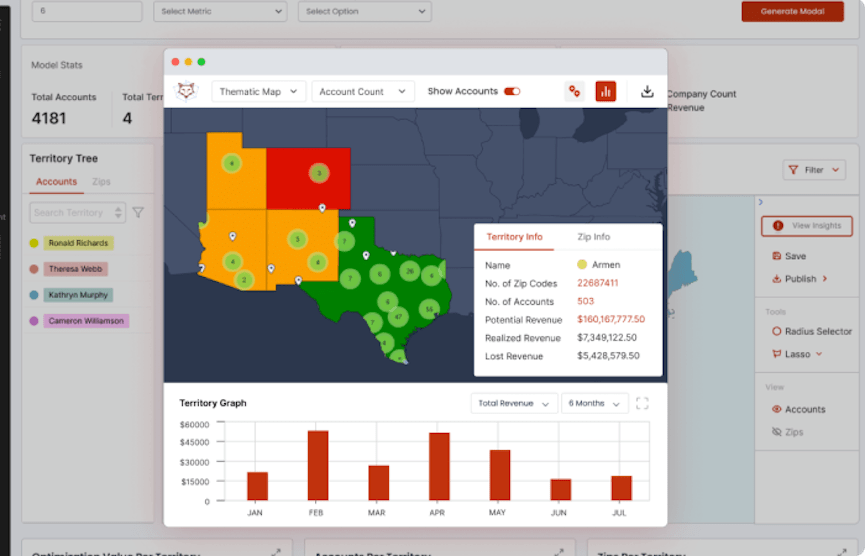
Magic wall/ Territory Pop Outs
Pop out a single territory to see performance metrics, a thematic map, heat map, or a chart that tracks custom metrics over a period of time.
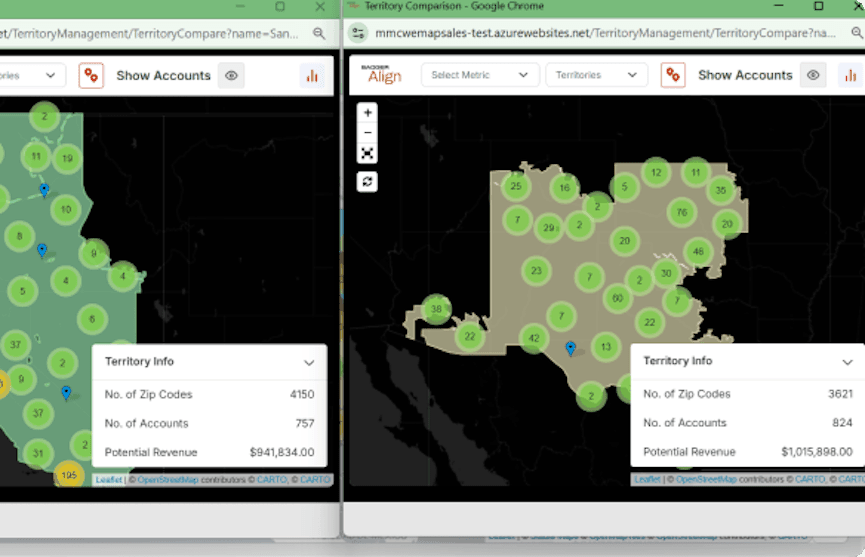
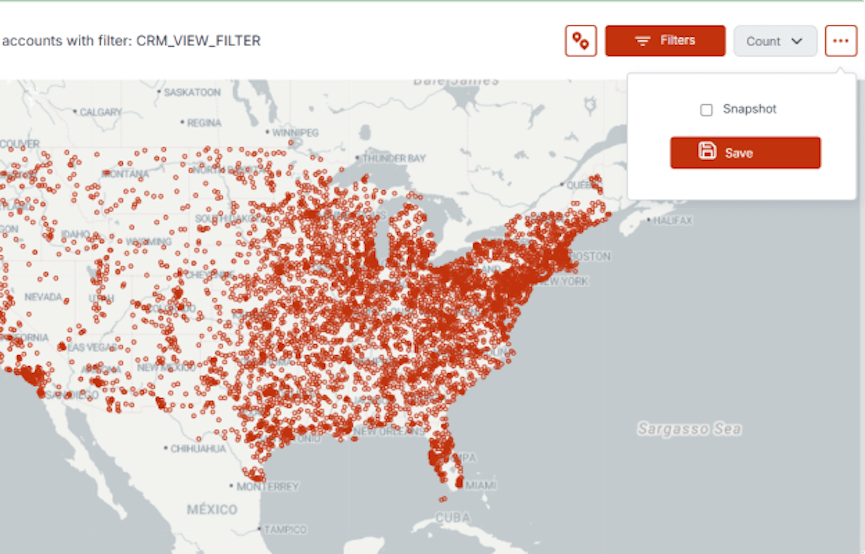
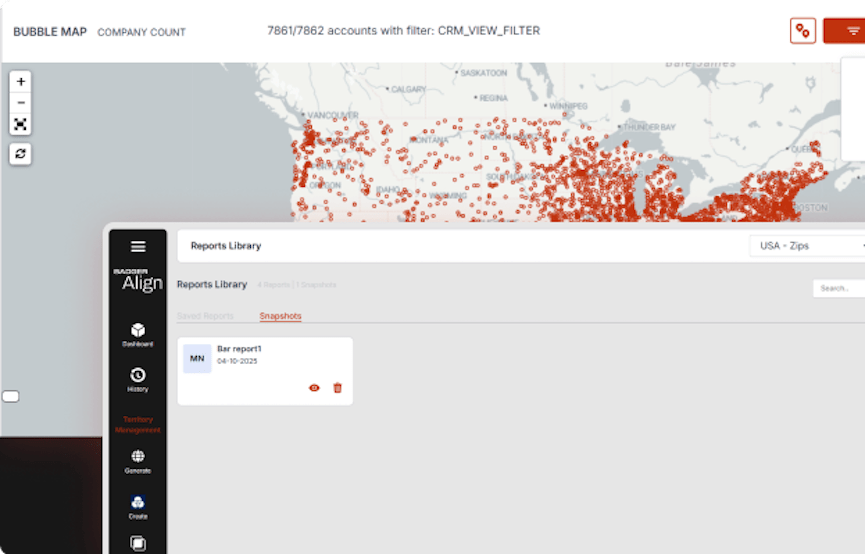
Territory Alignment
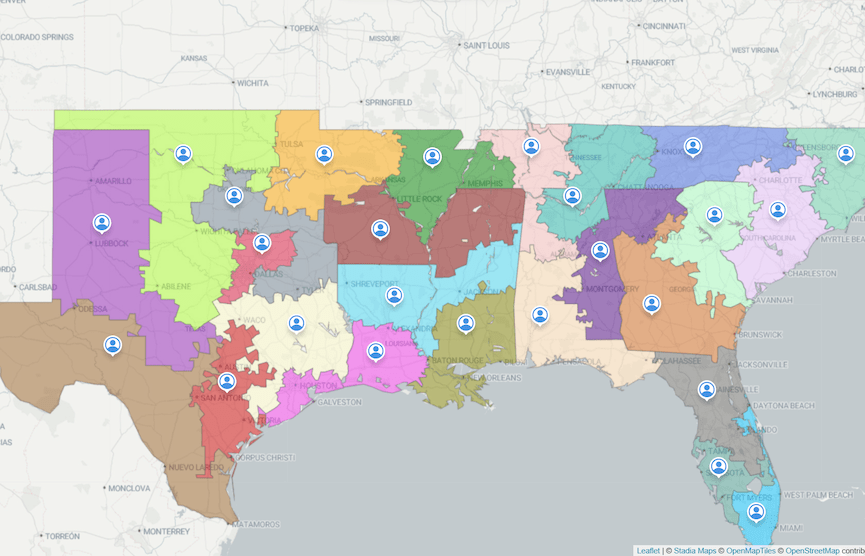
Use Badger's territory alignment software to create fair & balanced territories that eliminate overlap, maximize coverage, and meet your business goals.
Switch between markets
Optimize each market individually and quickly switch between them.
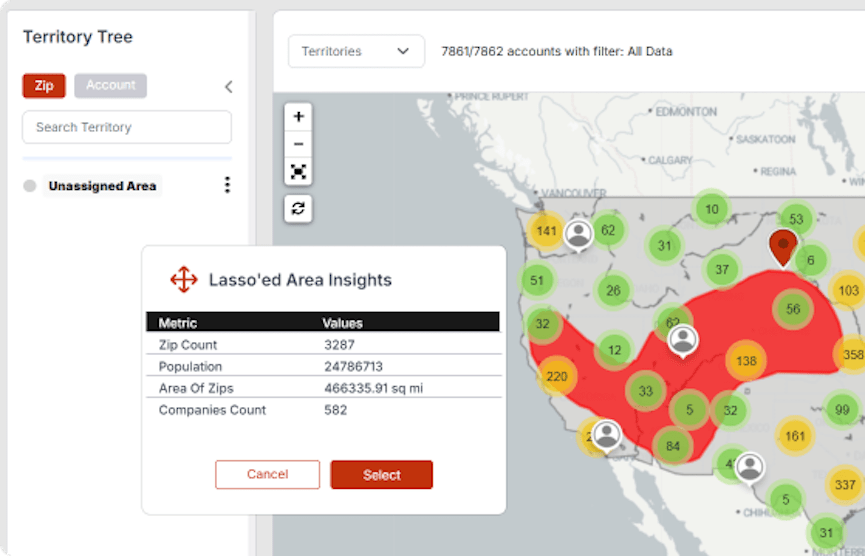
Create your own territory models
Cut territories based on zip/postal codes, existing boundaries, or multiple, custom metrics.
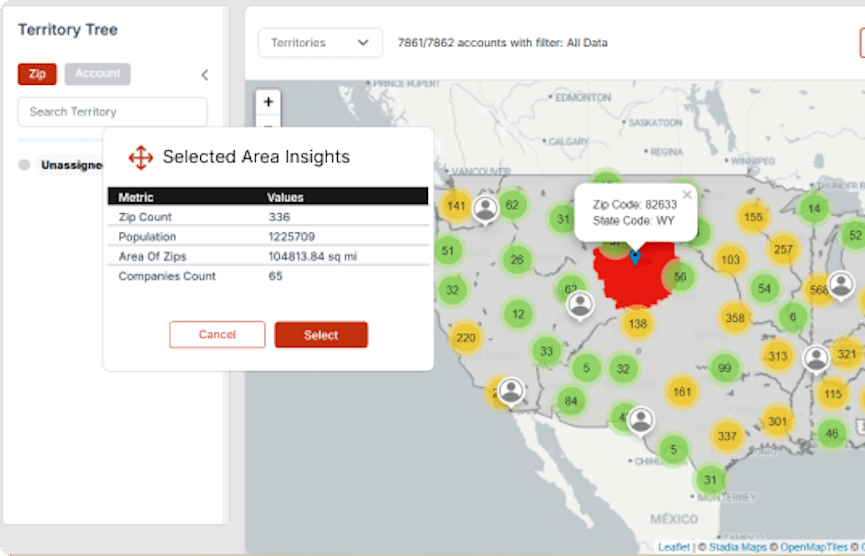
Create territories with the radial tool
Create territories with the radial tool to include all the zip codes or postal codes within your chosen area.
Create territories with the lasso tool
Create territories with the lasso tool to include all the zip codes or postal codes within the lassoed area.
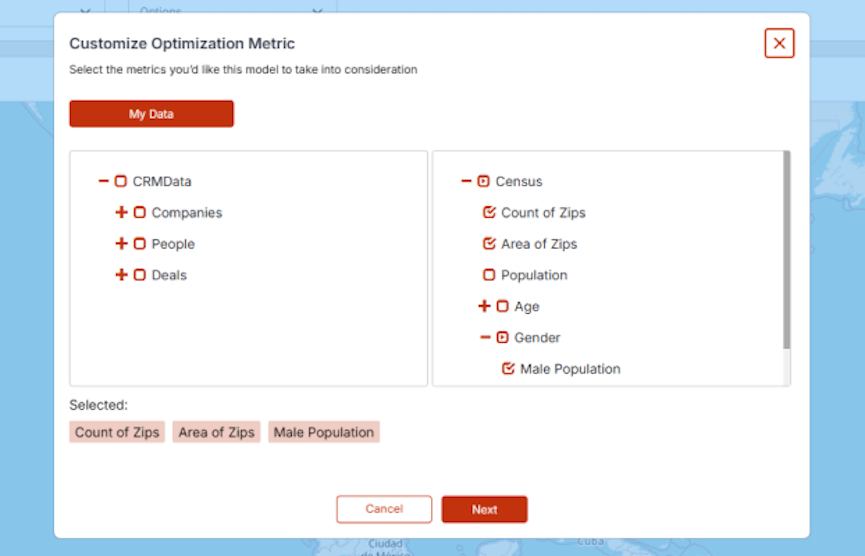
Create territories from your geo-library
Create territories from zip/postal codes, states, county names, or other geo-library areas.
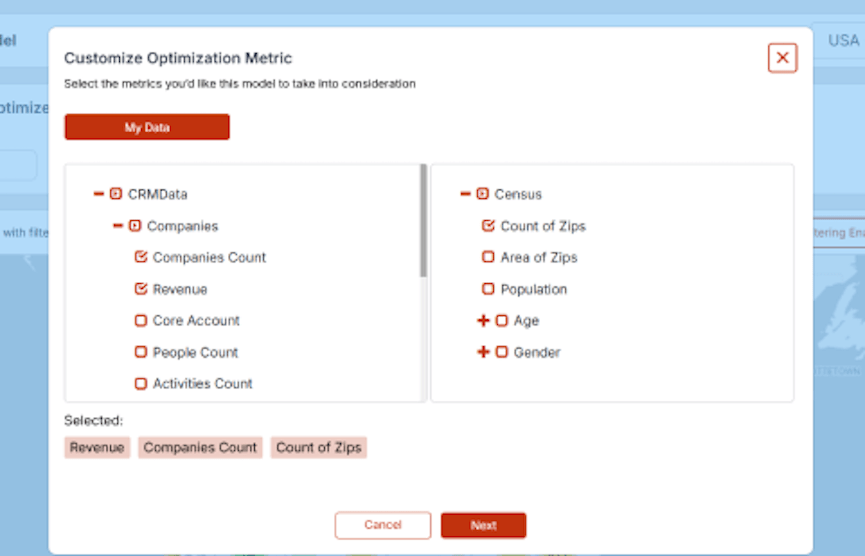
Auto generate optimized territories
Automatically create a territory model by setting the number of your territories and optimizing for the metrics that matter to you.
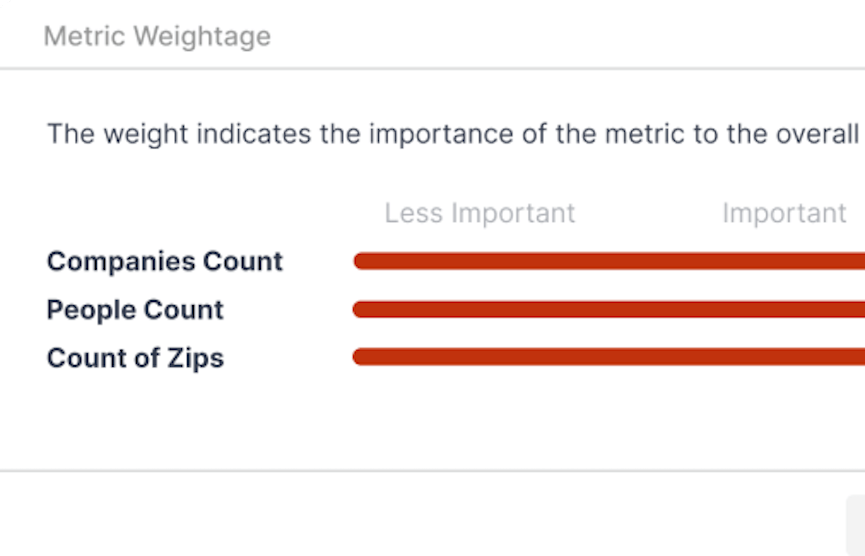
Apply weights to your metrics
Optimize for certain metrics by applying weights to the metrics you would like to prioritize.
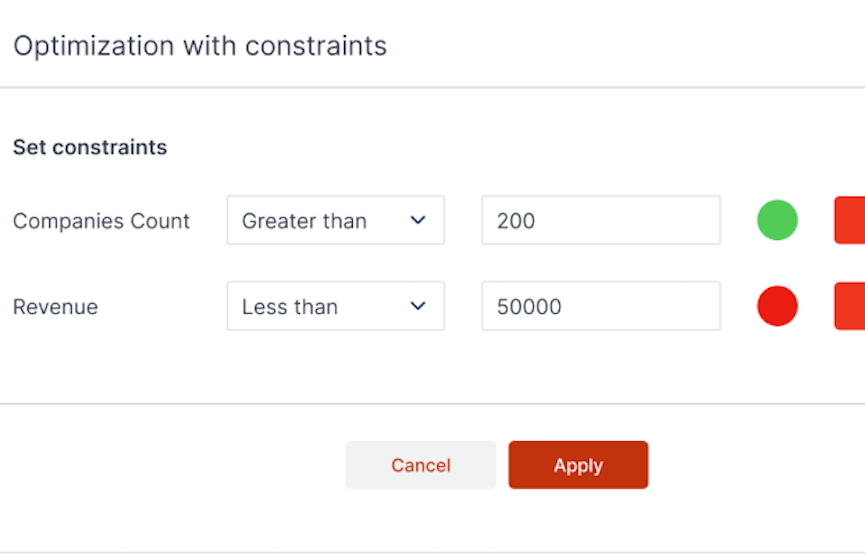
Set constraints
Set constraints like "no more" or "less than" a certain value. Especially useful for revenue and company count. Constraints that aren't viable will be blocked.
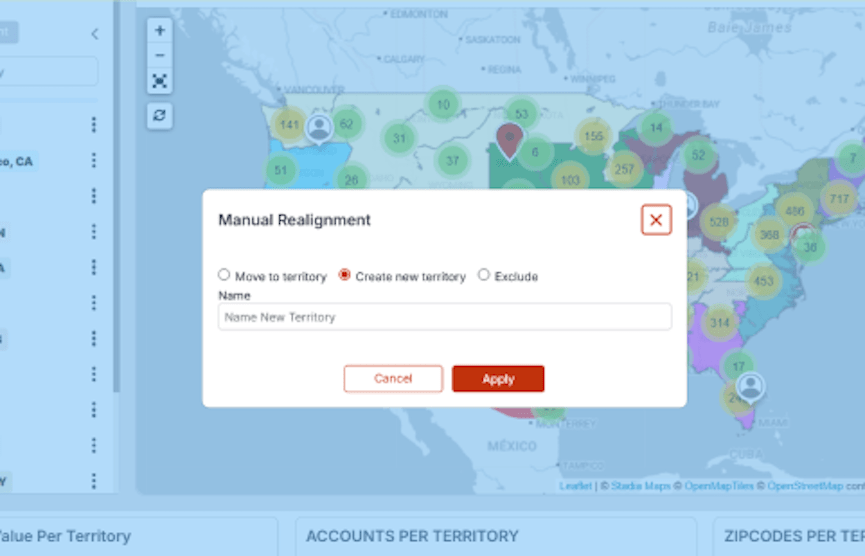
Manual realignment
Manually move or create a new territory.
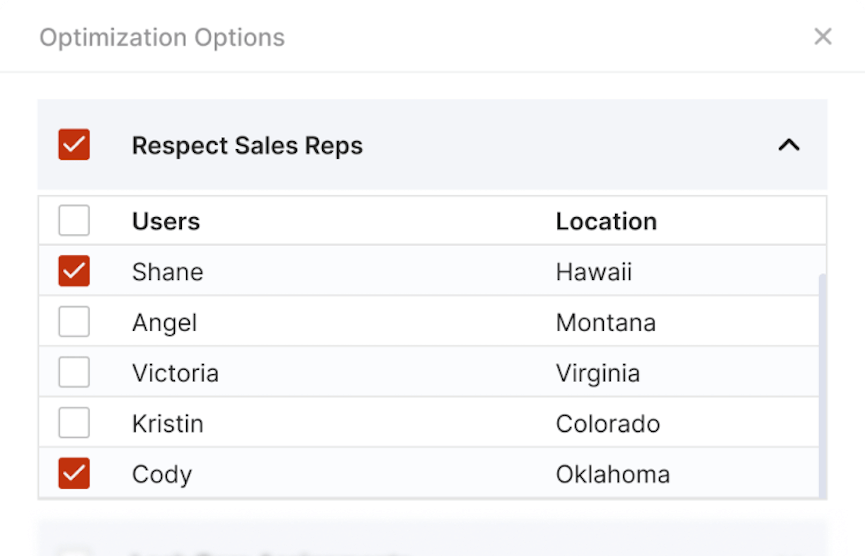
Respect salesperson location
Minimize changes to your team and respect either your whole team or an individual's location.
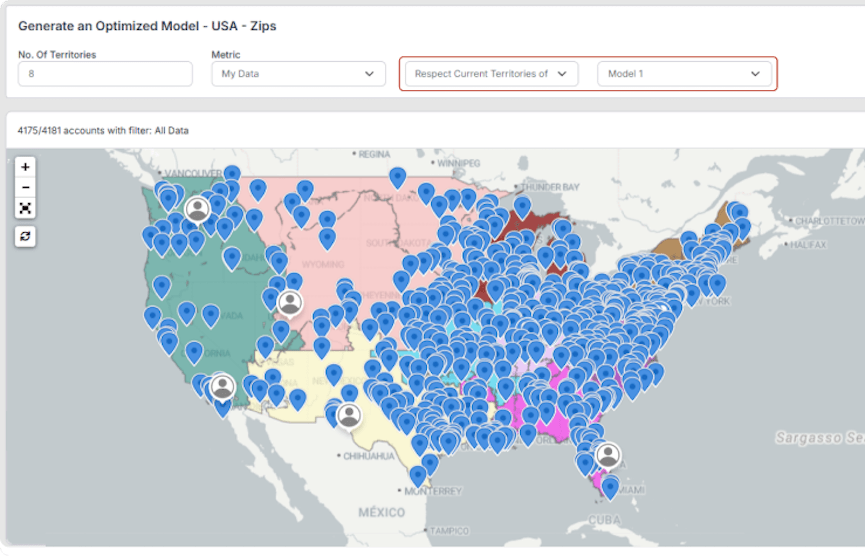
Respect the current territories
Respect prior territory models while optimizing for a new metric.
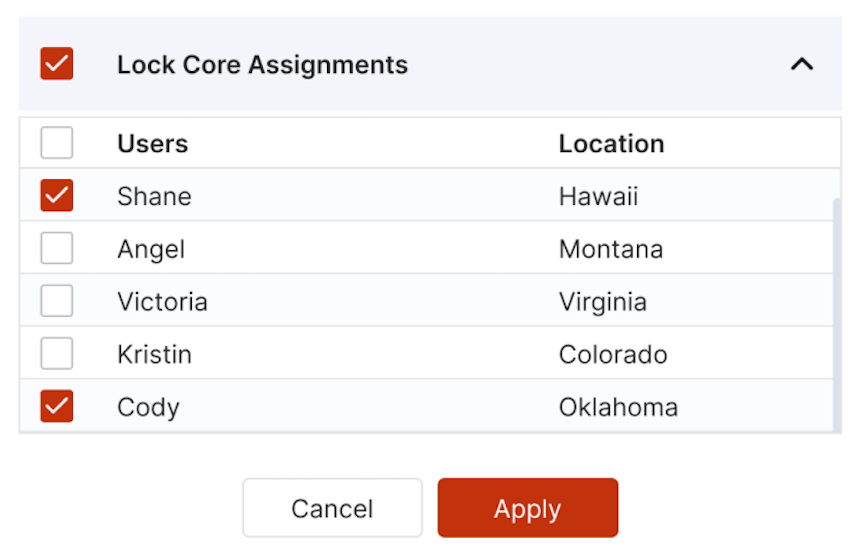
Lock core assignments
Control for core assignments like hold over and legacy accounts.
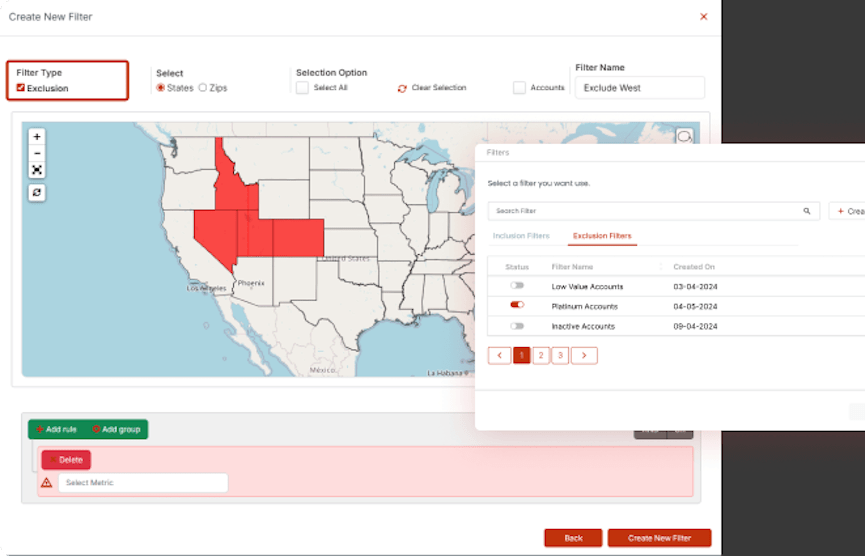
Exclusion filters
Exclude areas from your optimization based on geography or according to certain metrics.
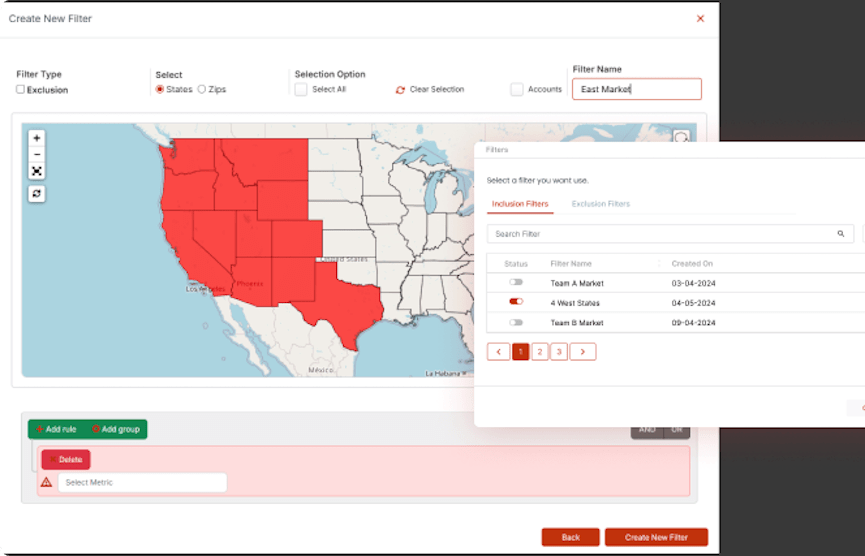
Inclusion filters
Include areas from your optimization based on geography or according to certain metrics.
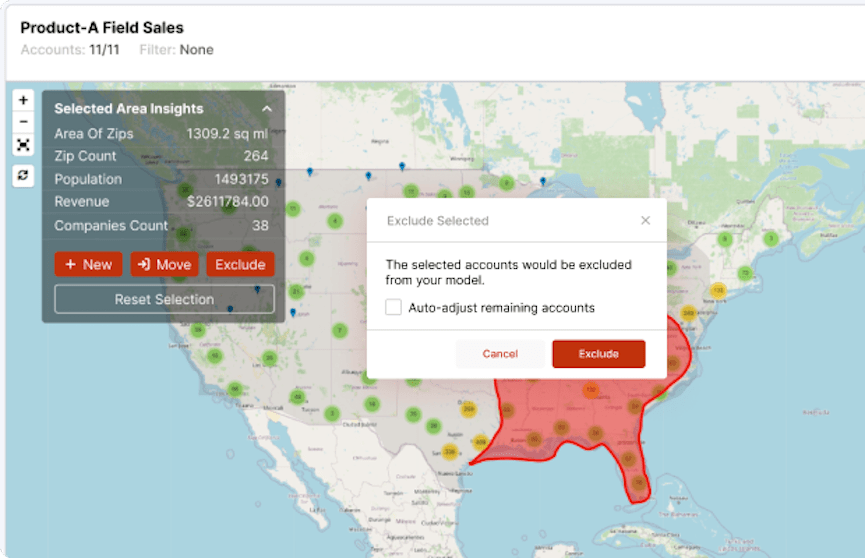
Exclude lassoed area
Lasso an area on your map to exclude it from your optimization
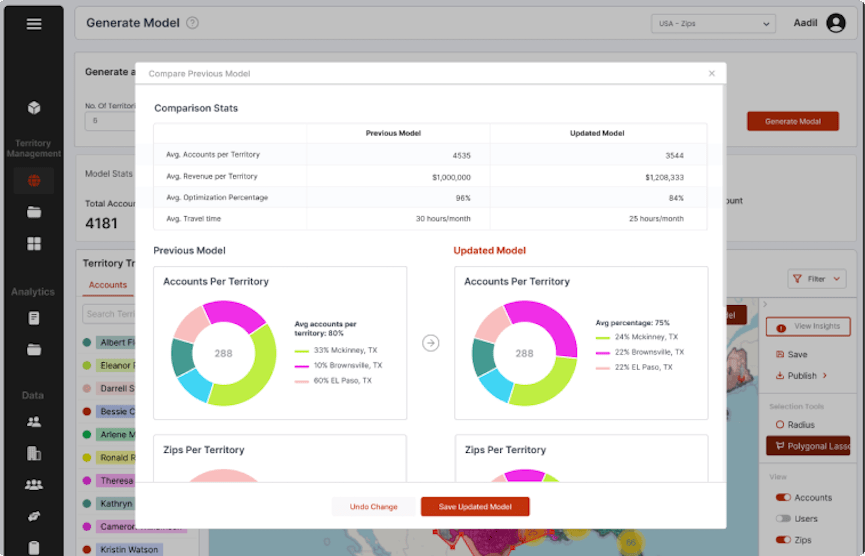
Balance bar chart
View changes to territories in a balance bar chart in real time. Control for certain metrics.
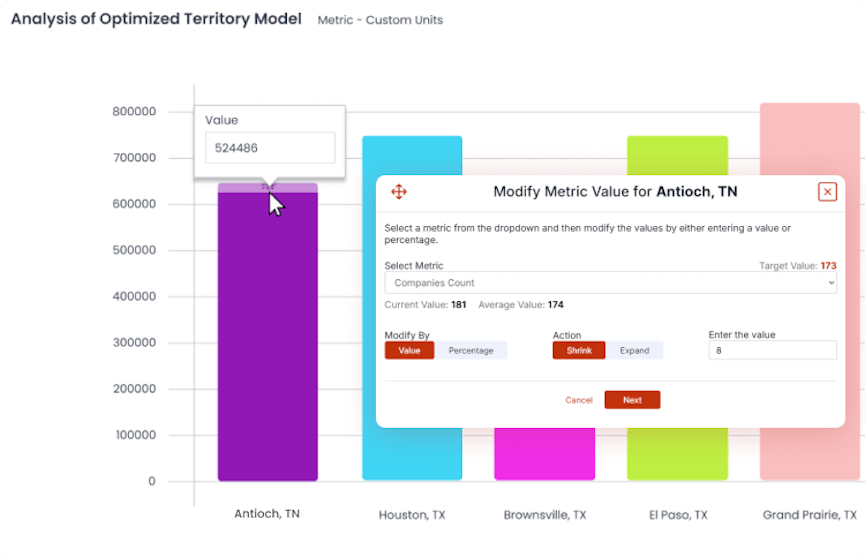
Optimize from your balance bar chart
From your balance chart, manually adjust a single bar and reoptimize your model.
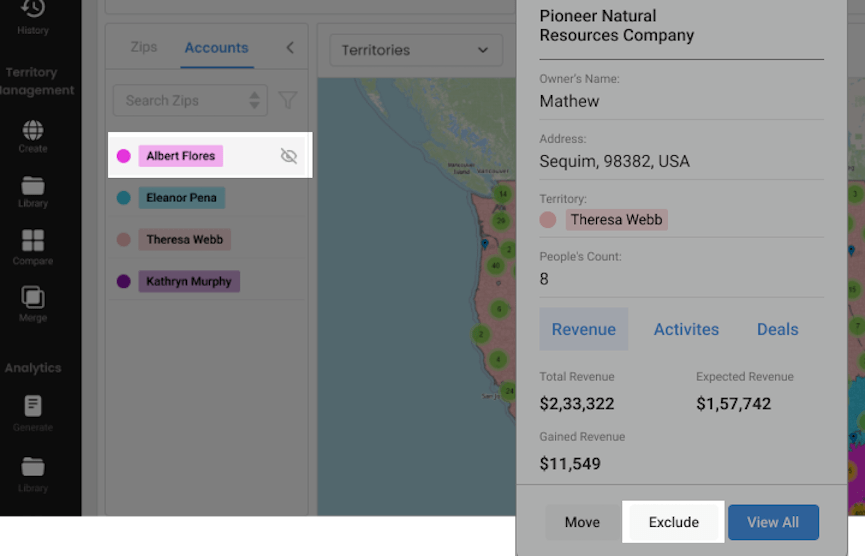
What-if scenarios
Test out different alignment scenarios if you add or take away a territory or rep.
Deviation optimization chart
View the net change from the mean in terms of the optimization.
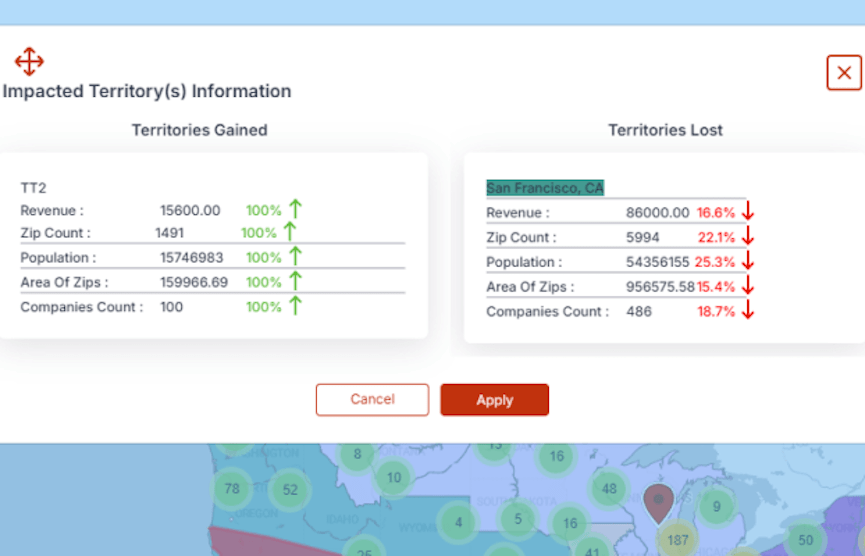
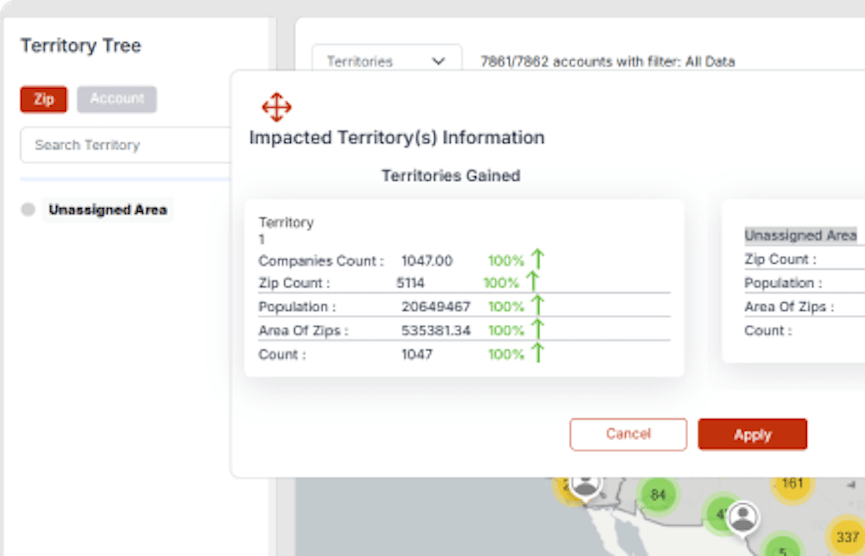
See impacted territory information
See quick stats for the impacted territories (zip/postal code count, population, square miles, company count) compared against past territory models.
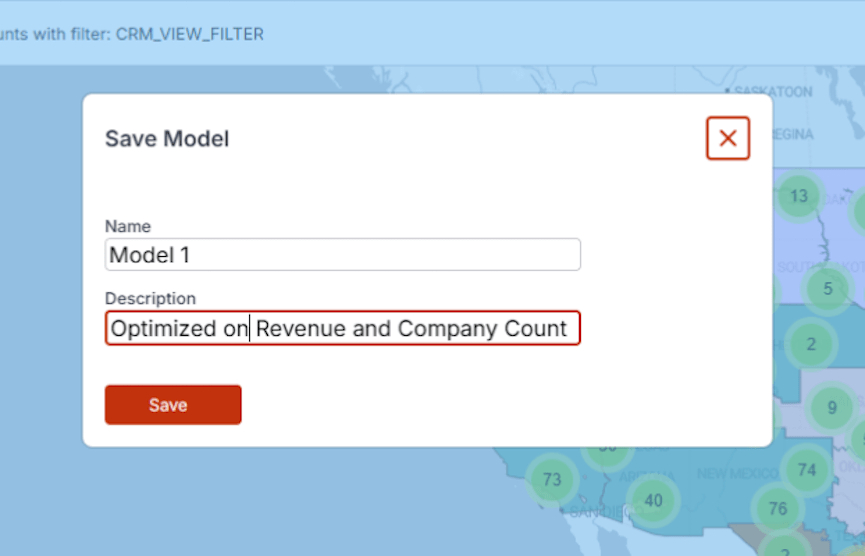
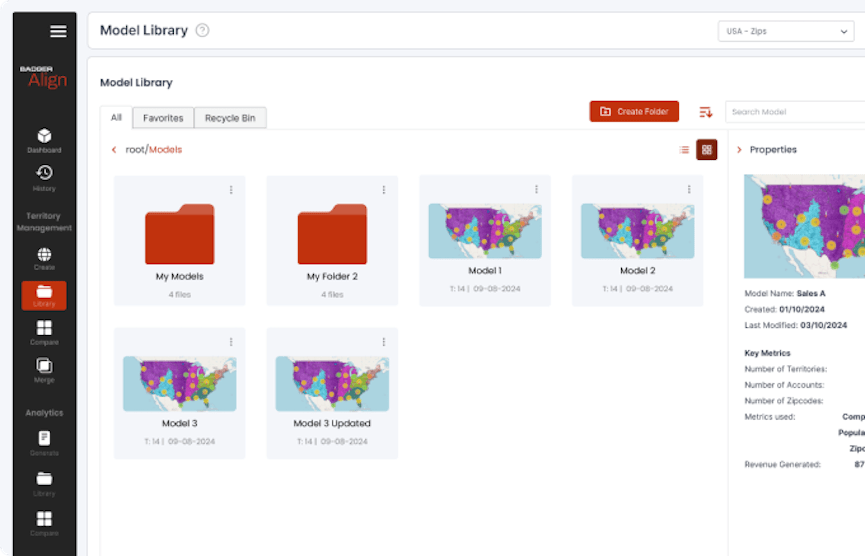
Save model
Save territory models to revisit or compare models against.
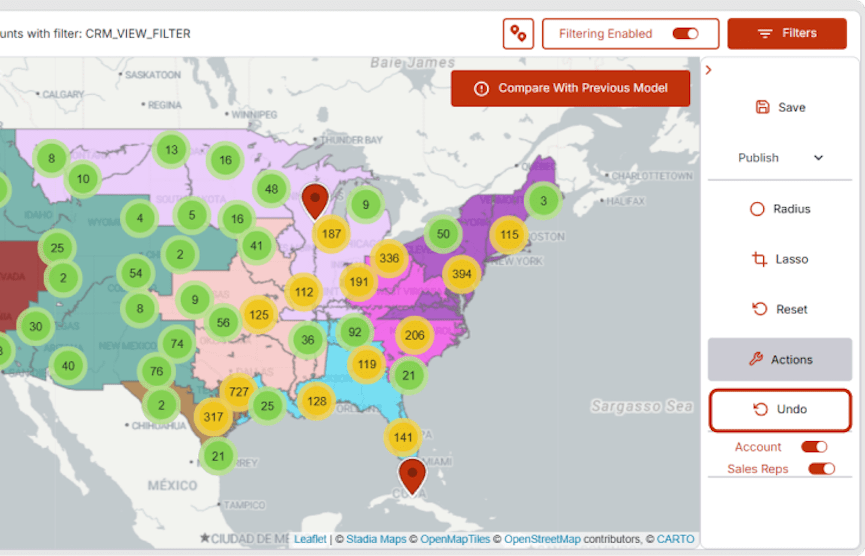
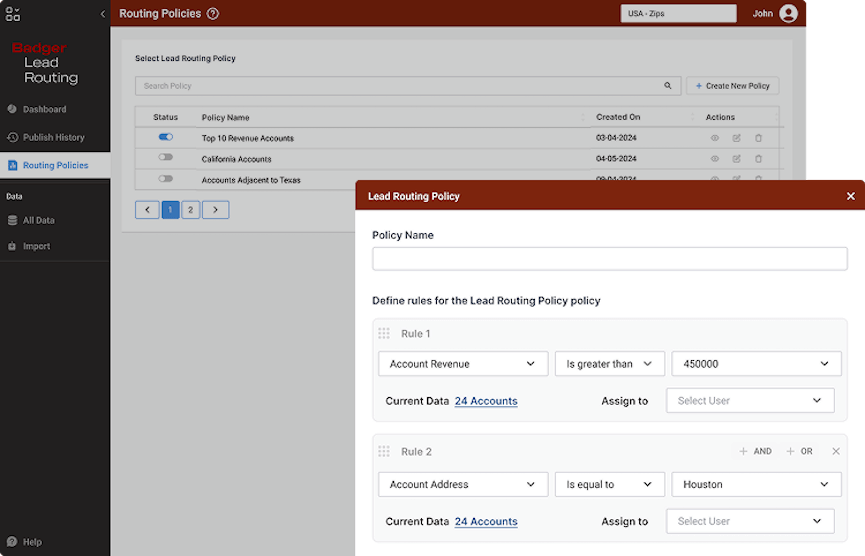
Lead Routing
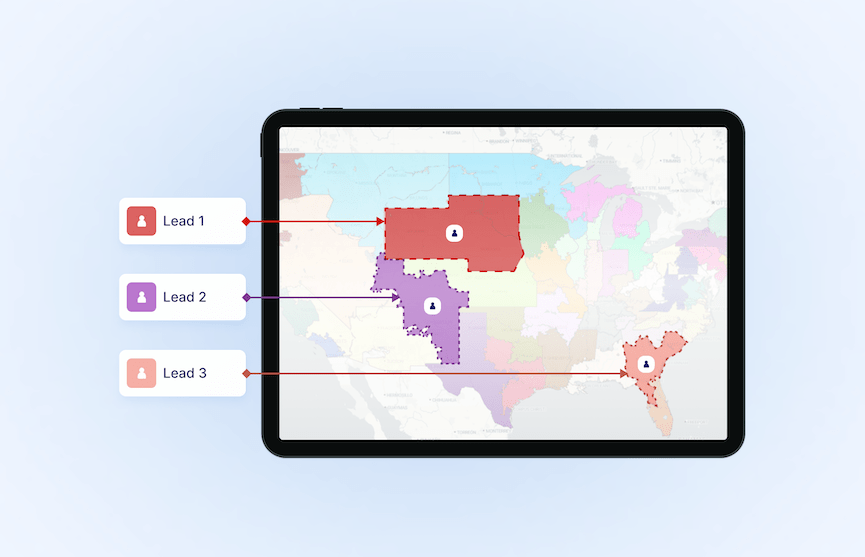
Increase sales by routing leads to the right rep instantly.
90-day money back guarantee
No set up fees.


